
Features
- Rough cuts
- Multicam
- A-roll logging
- B-roll logging
- Speaker identification
- Scripted edits
- Social clips
- Exports to your editor
- Styles and color
- Motion graphics
- Captions & titles
- Stock B-roll
- Generate video
- Generated music
- Voiceover
- Dubbing
- Transcription in 97 languages
- Web app
- Mac and Windows
- Claude & ChatGPT
- Codex, Cursor, Devin and more
- Recipes
- Agents
- API + MCP
Solutions
Resources
For Scripted Videos
Scripted videos made fast
Eddie chooses the best takes and cuts to your script or outline.
Trusted by 60,000+ video professionals worldwide




How it works
How Eddie cuts a scripted video
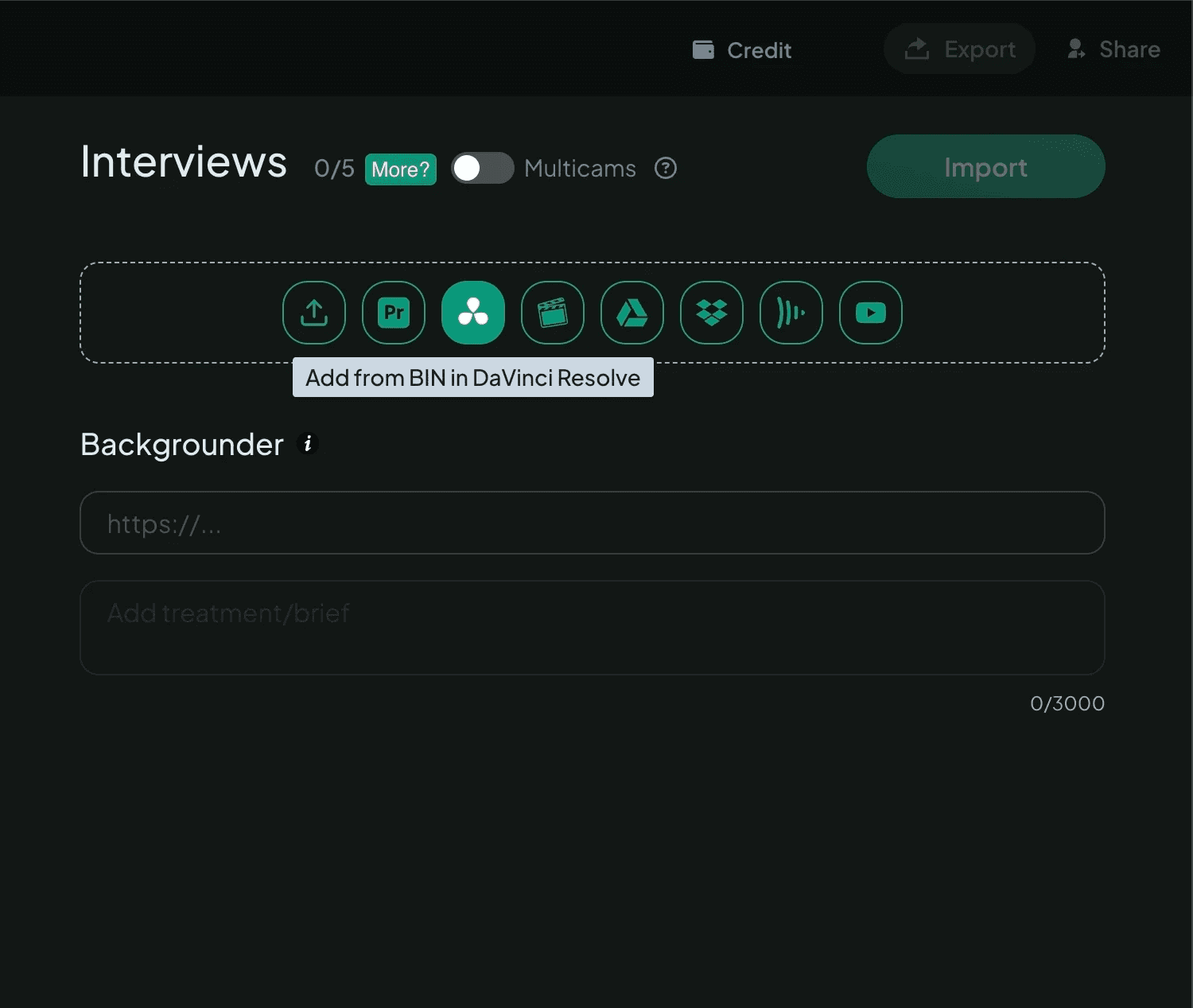 01
01Import footage
Talking-head footage, including multicams and sync clips.
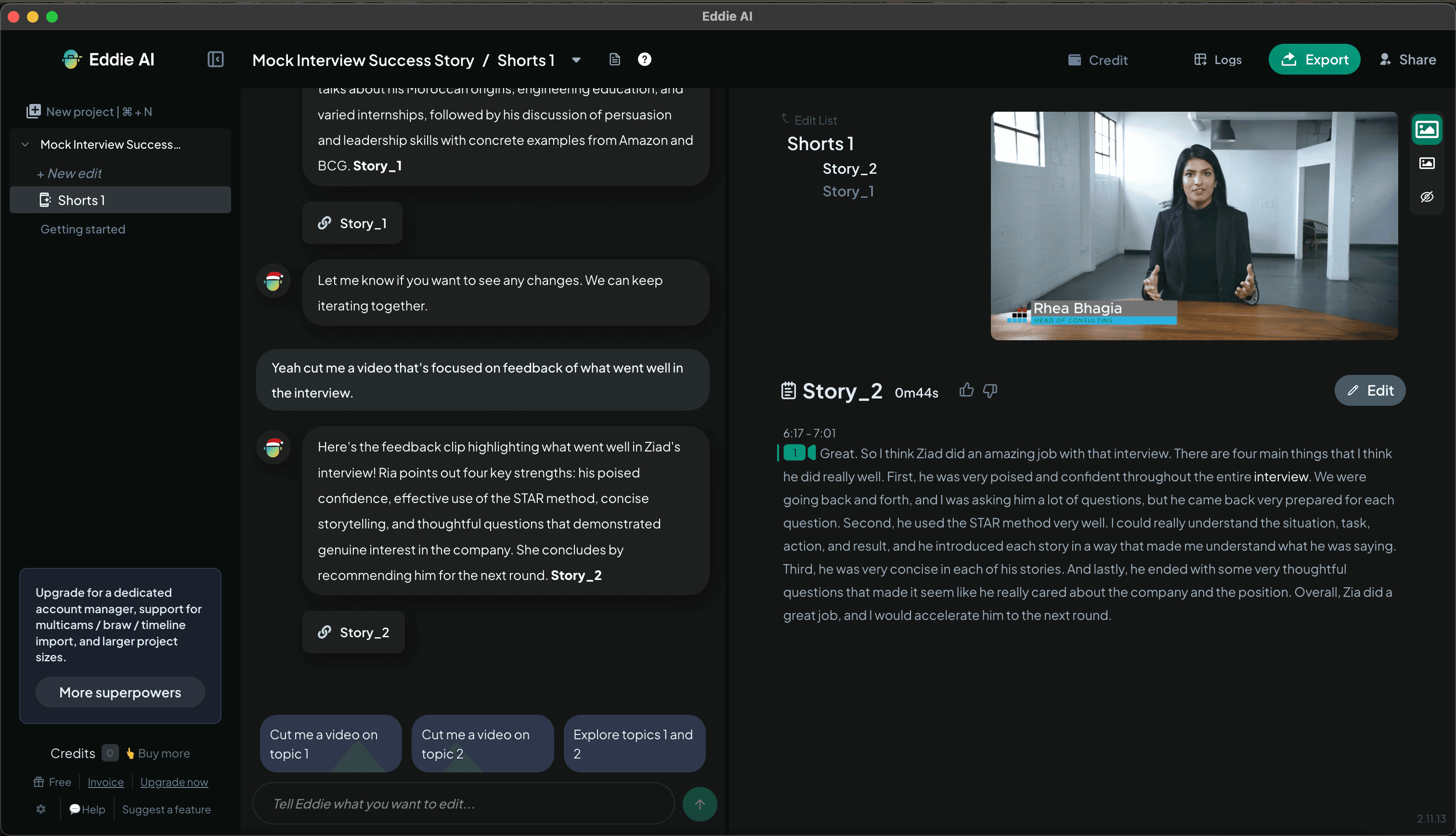 02
02Eddie chooses the best take
The best take, cut to your script, your outline, or the story as shot.
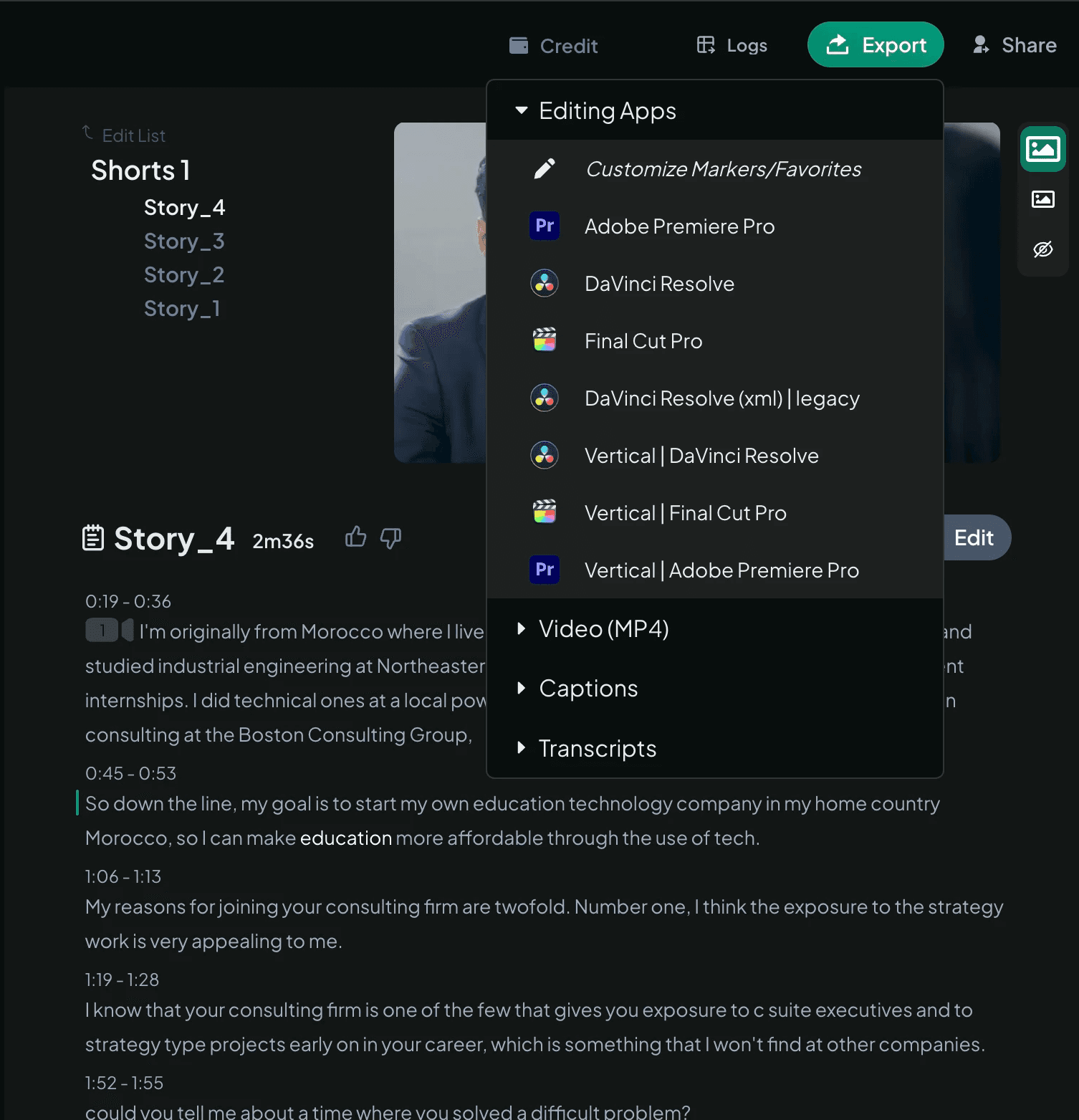 03
03Export
Clips relink. Alt takes stay aligned, so you can toggle between them.
Features
built for scripted storytelling
- Rough CutsTurn raw footage into a clean, narrative-driven sequence
- A&B Roll LoggingAutomatically organizes and categorize each scene with metadata
- Best Take SelectionPicks the strongest moments from multiple takes or angles
- Prompt to EditChat with Eddie AI to guide scripted edits
- Multicam SupportHandles your most complex multicam and sync clips
- Seamless IntegrationsWorks with Adobe Premiere, DaVinci Resolve, Final Cut Pro, and Avid Media Composer
Customers
Loved by Video Pros
Trusted by 60,000+ video professionals worldwide.
“It's the first filmmaking AI tool I've come across that's going to legitimately change the way I deal with all my edits from here on out.”
 Luc Forsyth158K Youtube Subscribers
“Eddie AI's B-Roll feature is the closest thing I have seen to filmmaking yet. It's able to sort things I thought were impossible. I'm obsessed!”
 Eric R.Filmmaker
“Eddie just took the most stressful part of my job and made it fun. This is honestly life changing! Thank you!”
 Matt H.Cofounder, Fifty Square Feet Productions
“This feature is incredible! I’ve been going to ChatGPT to get feedback on the edit / thumbnails. Eddie does it way better. This will be a hit, no doubt.”
 Navik N.Filmmaker & Founder of Drua Pictures
“It's like having an assistant editor I can offload my more grindy tasks to. I love the fact that I can round trip its output back into Premiere and continue to refine if I need to.”
 Ryan D.Producer & Editor
“Eddie AI is the future of video editing. As someone in a line of work which calls for editing A LOT of interviews, the platform saves a lot of time.”
 Austin D.Austin Dancey Media Productions
“Eddie AI is one of the best assistants that me and my team have tried.”
 Premiere Gal585K Youtube Subscribers
Exports
Built for pro workflows
Export to Premiere, Resolve and FCP. Clips relink automatically.



Video types
Other kinds of video.
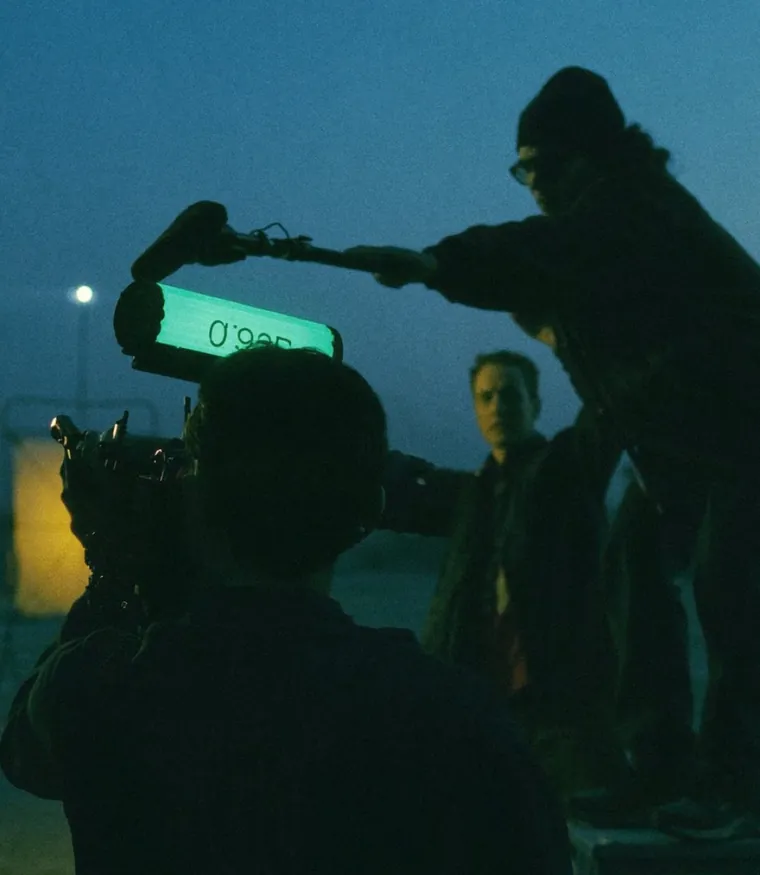
Documentaries
Hours of raw footage, a compelling narrative.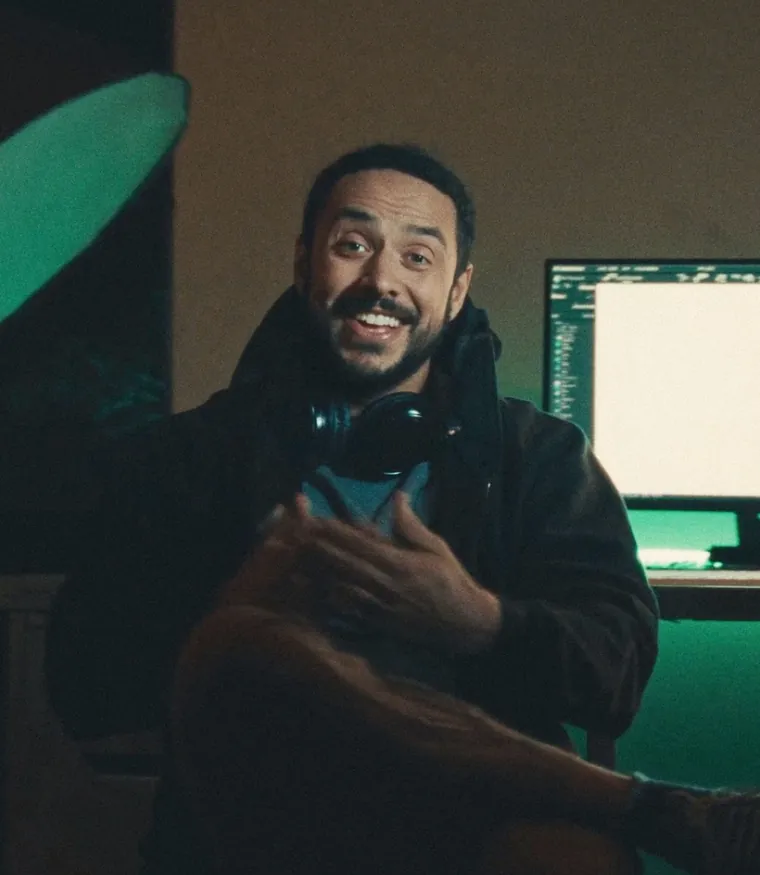
YouTube
Long-form videos into high-retention clips, automatically.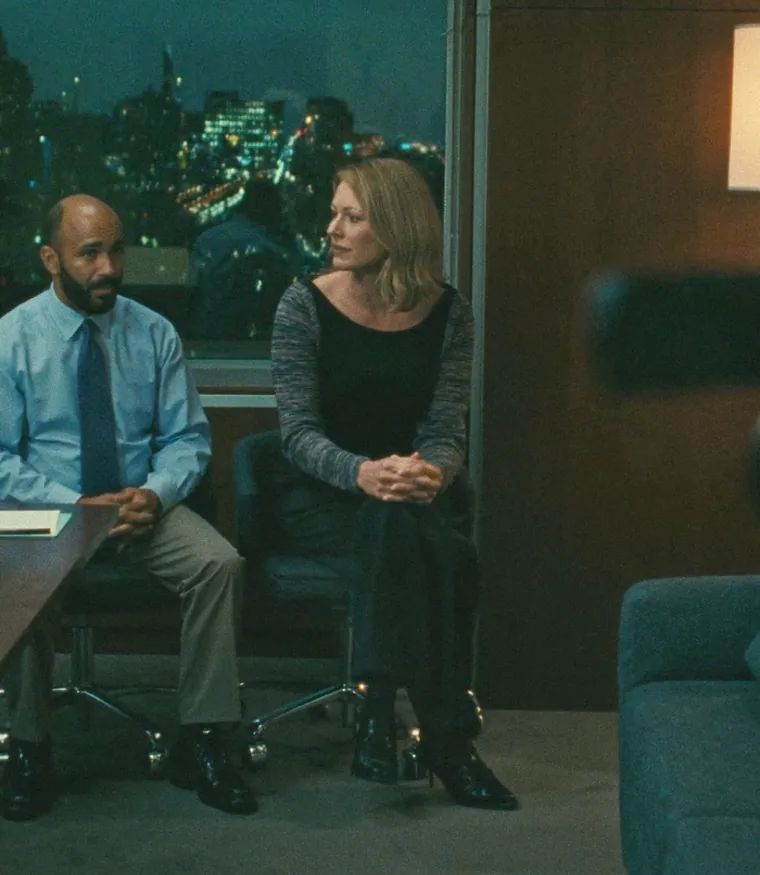
Corporate
Meetings, talks and launches into usable content.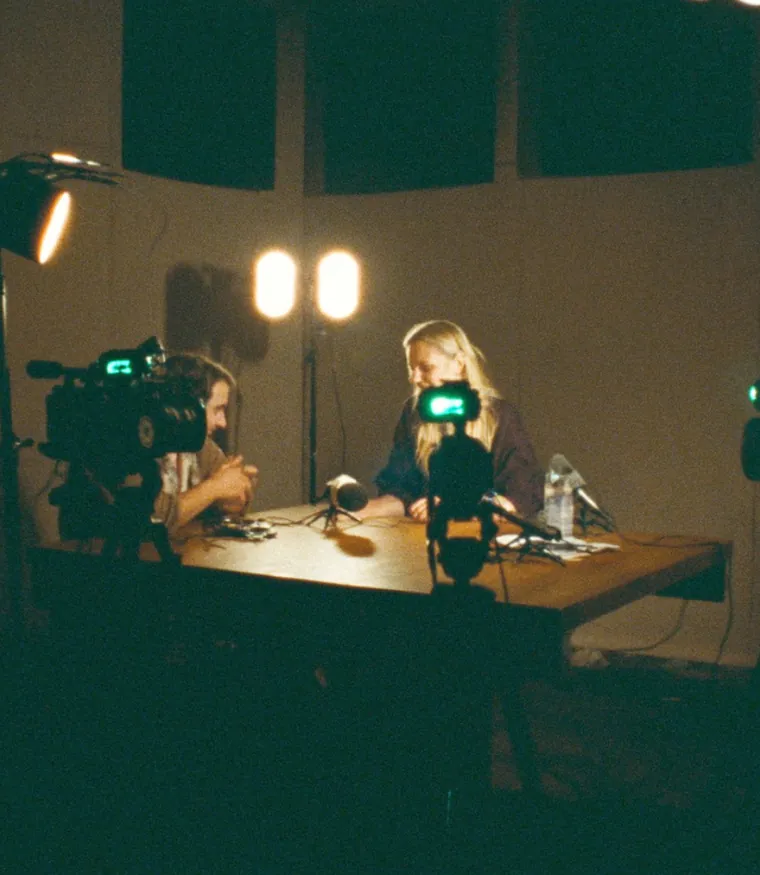
Podcasts
Long recordings into clips that actually get watched.
Pictures: generated illustrations.

Experience the future of AI-assisted editing
Start with one prompt. Your first 500 credits are free.