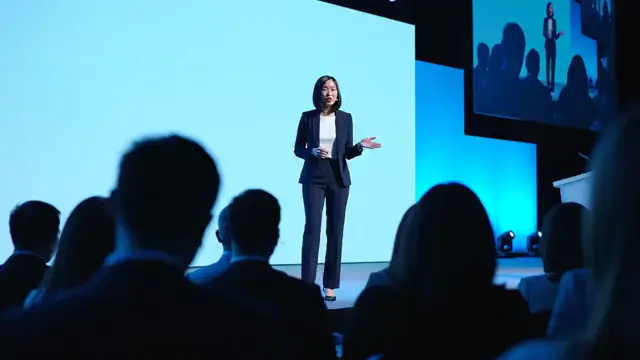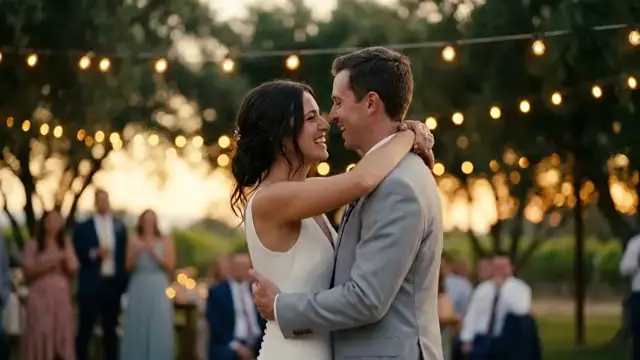
Event recap
Arrivals, big moments and the crowd, cut to the beat
- 16:9 and 9:16
- Style: Pop creator
- 130–640 credits a run
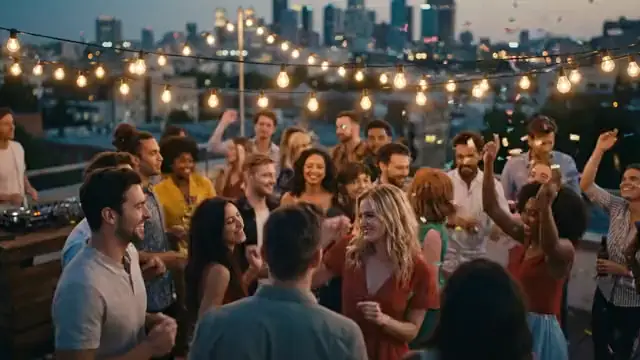
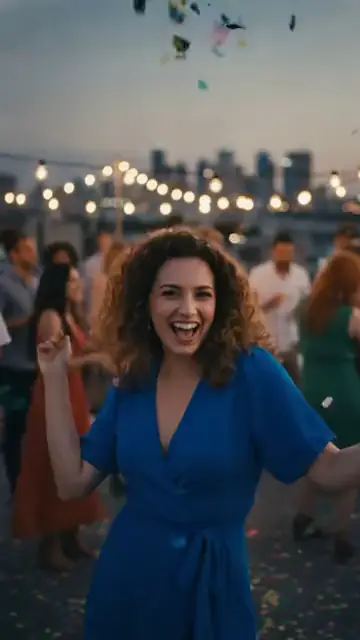
Storyboard
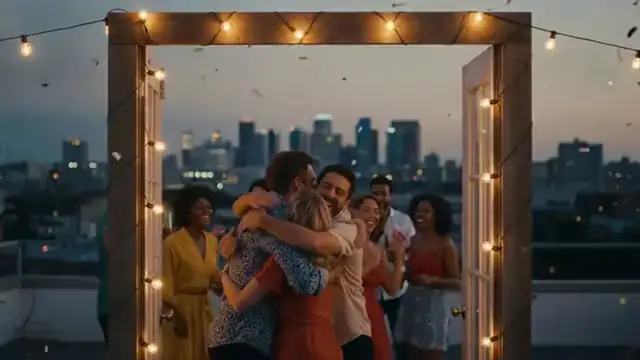
Open 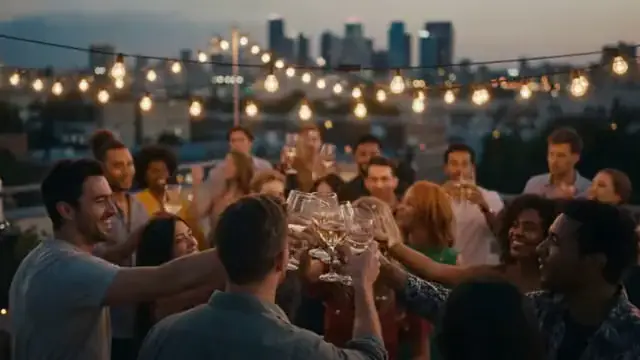
Middle 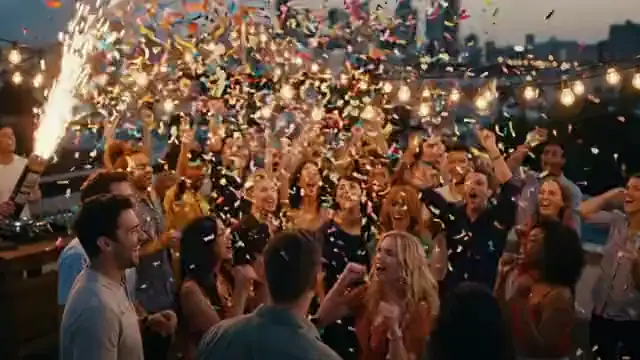
End
Before and after
Raw footage in, finished video out
You bring
What it needs
- Footage from the event: arrivals, stage, crowd, details
- Optional short interviews with guests
- Backgrounder
- Brand kit
- You fill inTarget lengthEvent name and dateMoments that must be in itVideo shape
4 steps
What Eddie does
- 01
Find the moments
Eddie finds arrivals, the main moments, crowd reactions and details worth keeping.
- 02
Build the arc
It builds an opening, a rising middle and a send-off in event order.
- 03
Cut to the beat
It adds music and moves cuts onto the beat.
- 04
Finish
It applies the Style, adds a title card and shares a review link.
Credits
What it costs
130–640credits a run
For 2 hours of footage, plus 500 credits to import it once.
How this is worked out
- A run is priced on the work Eddie does, so most runs land inside this range, and footage length changes it only a little.
- Importing is 250 credits an hour. Footage already in the project is not charged again.
- Downloading the result as an MP4 is free for the first 10 each day, then 50 credits. An export to Premiere Pro, DaVinci Resolve or Final Cut Pro is 100 credits.
Show the brief Eddie follows
The parts in {curly brackets} are the blanks you fill in.
Event recap
Make a {target_minutes}-minute recap of {event_name} from this project in {aspect_ratio}. Structure: an establishing opening (venue, arrivals, details), a rising middle with the main moments and the biggest crowd reactions, and a send-off with the best wide shot. Keep the event in chronological order where it matters. Must include: {editorial_focus}. Use guest interview lines only if they are short and add energy. Build it as a montage with create_video_sequence, or with create_edit_result if speech carries it. Add an upbeat music bed from the workspace music library with add_music_track, then detect its beats with detect_beats and move cuts onto the beat with snap_cuts_to_beats. Use a short speed ramp with set_speed_ramp on one or two high-energy moments. Open with a title card with set_titles showing the event name. Use only names, titles, numbers and claims that are in the footage, my notes or the project's Backgrounder. If a name or title is uncertain, ask me before you put it on screen. Style: call set_style_pack with pack "pop-creator" as soon as the edit exists, before you place any title, lower third, stat or caption. Do not switch to another pack. No captions unless speech is used. When you finish, tell me the finished length against the target, list each item above as done or not done with the reason, and create a review link with share_review_link.
Motion graphics for this recipe
Templates to pair with this recipe's Style. Add and place them for free.