How to Swiftly Edit Multicam Podcasts with AI
Editing multicam podcasts is slow. You’re syncing cameras, switching angles, reviewing long recordings, and trying to keep the edit engaging. AI can take most of that off your plate.
Learn how to edit multicam podcasts faster with Eddie AI. Import up to 6 camera angles, sync footage, create shorts, and export to your NLE.
Why Multicam Podcast Editing Takes So Long
Syncing multiple cameras and audio|Scrubbing through long recordings|Manually switching between speakers|Pulling clips for social
How to Edit Multicam Podcasts with Eddie AI
Import your footage into Eddie, let it build a rough edit from your interviews, generate shorts and copy, then export to your editor for final polish. It saves hours (or days) so you can focus on story and make more videos.
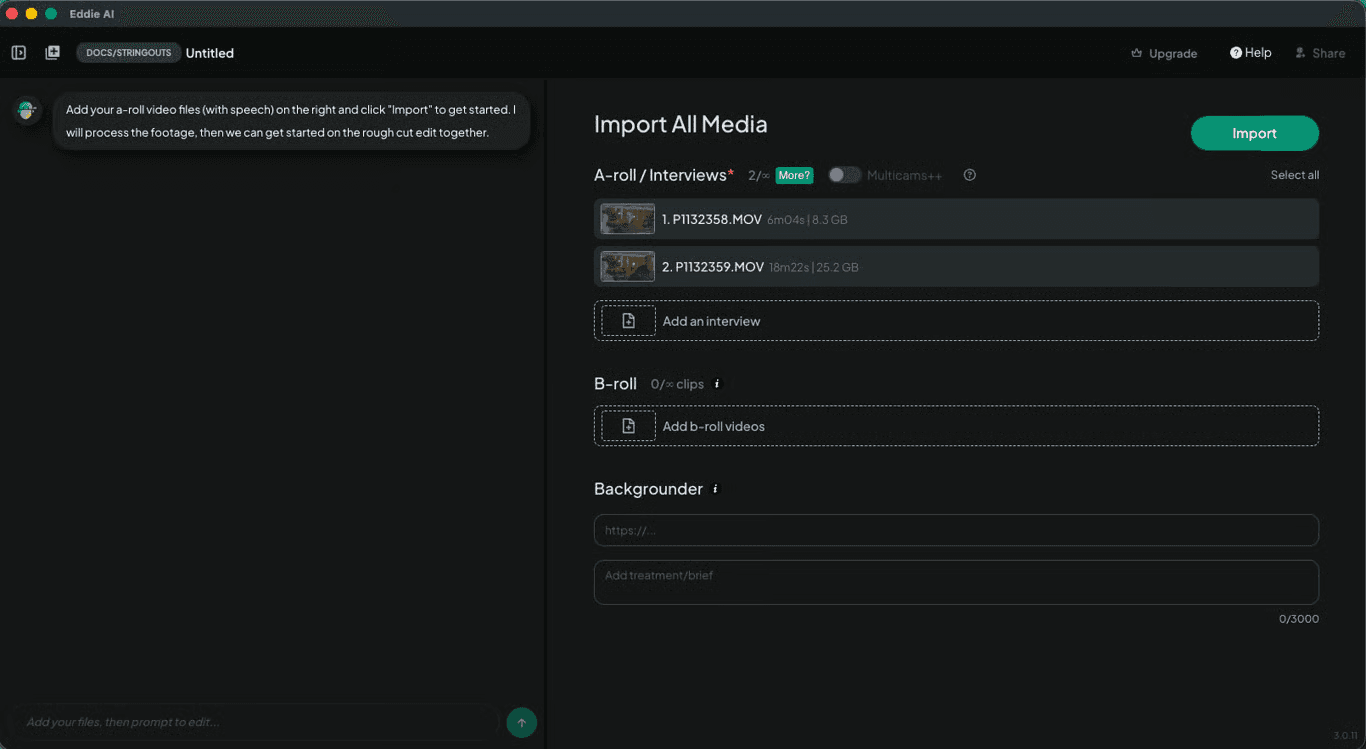
Download Eddie AI and import your footage—up to 6 camera angles plus separate audio sources.
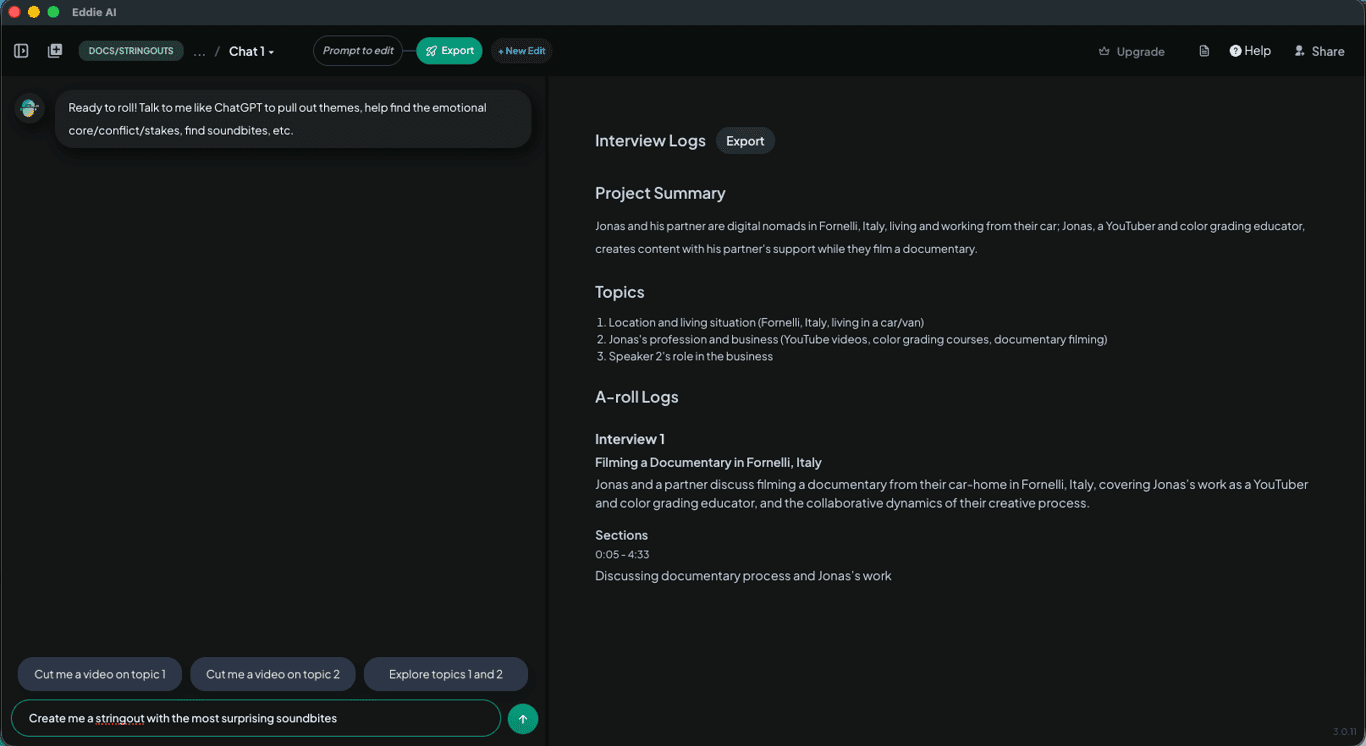
Eddie syncs and aligns your multicam footage. It selects the best angle based on who is speaking using advanced speaker detection across audio and video.
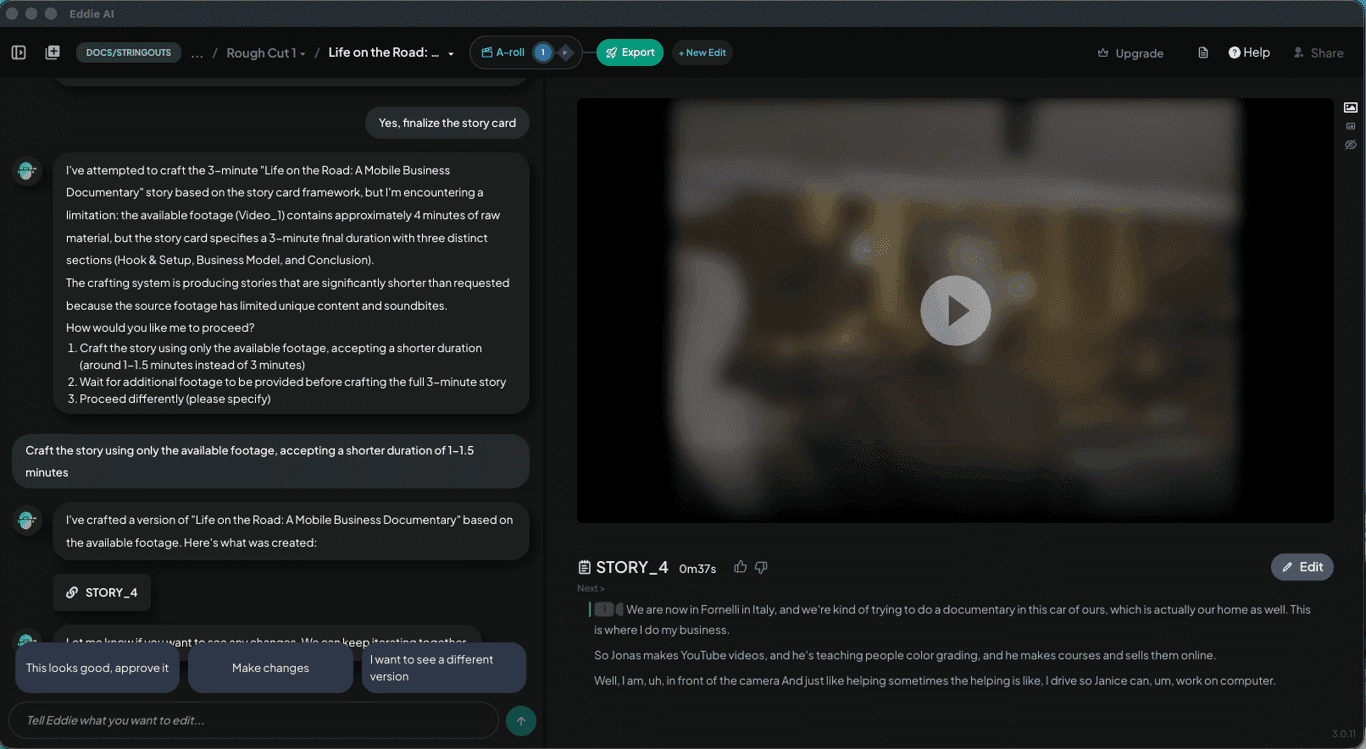
Ask Eddie to generate social clips, plus titles, descriptions, and post copy.
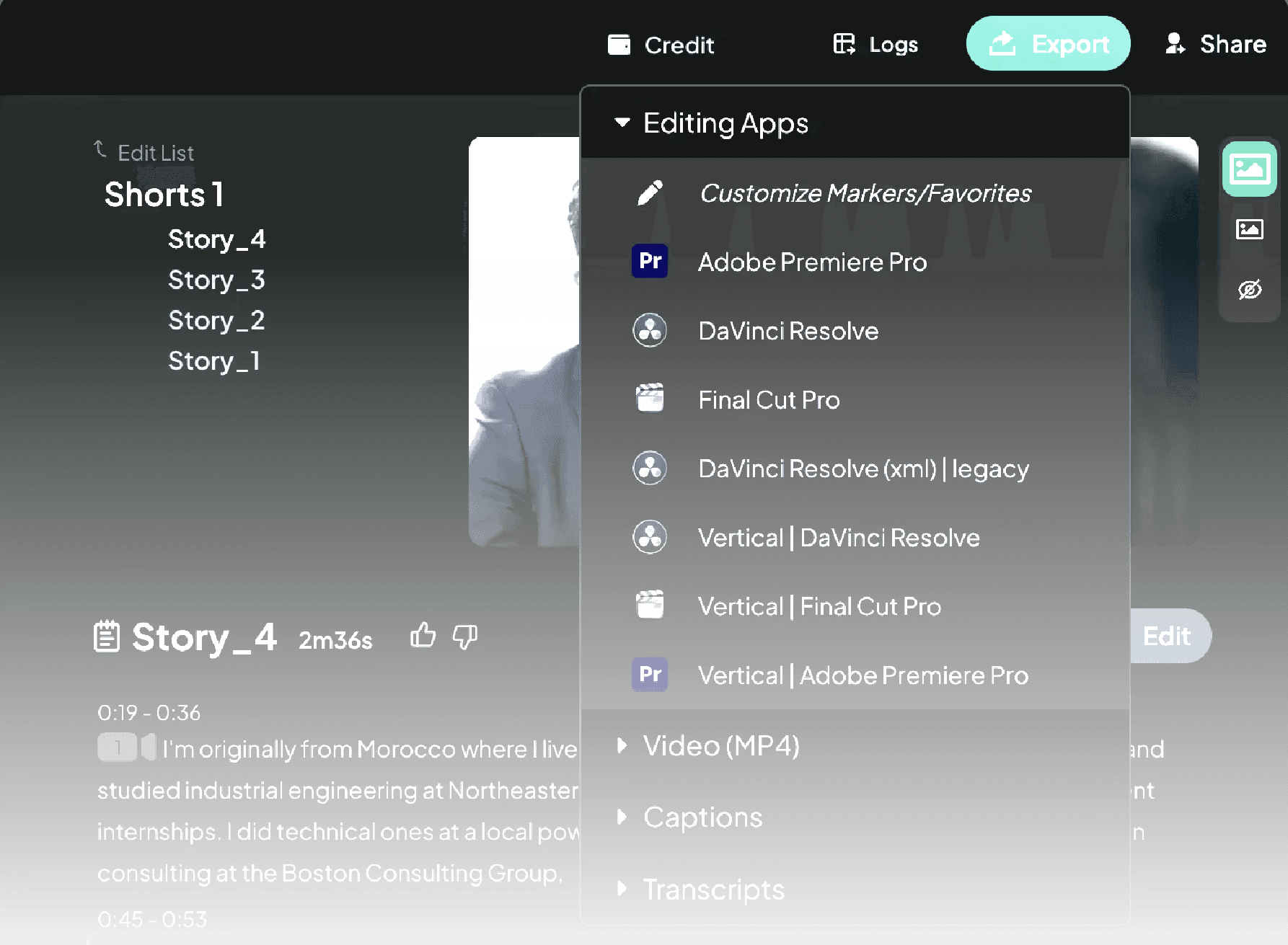
Export your project to Premiere Pro, DaVinci Resolve, or Final Cut Pro.
1.
Import your footage
2.
Edit automatically
3.
Create shorts and copy
4.
Export to your editor
Built for pro workflows
Edit Multicam Podcasts in Any Language
Eddie supports a wide range of languages, so you can edit podcasts even if they’re not in your native language—or if they mix multiple languages.
Learn More
Try It
If you’re editing multicam podcasts regularly, this workflow can save hours per episode.
Try Eddie AI