How to Edit Interviews with Claude

Claude is strong at reading transcripts and extracting meaning, but it’s not an editor. You still need timecode, audio/visual context, and an export workflow.

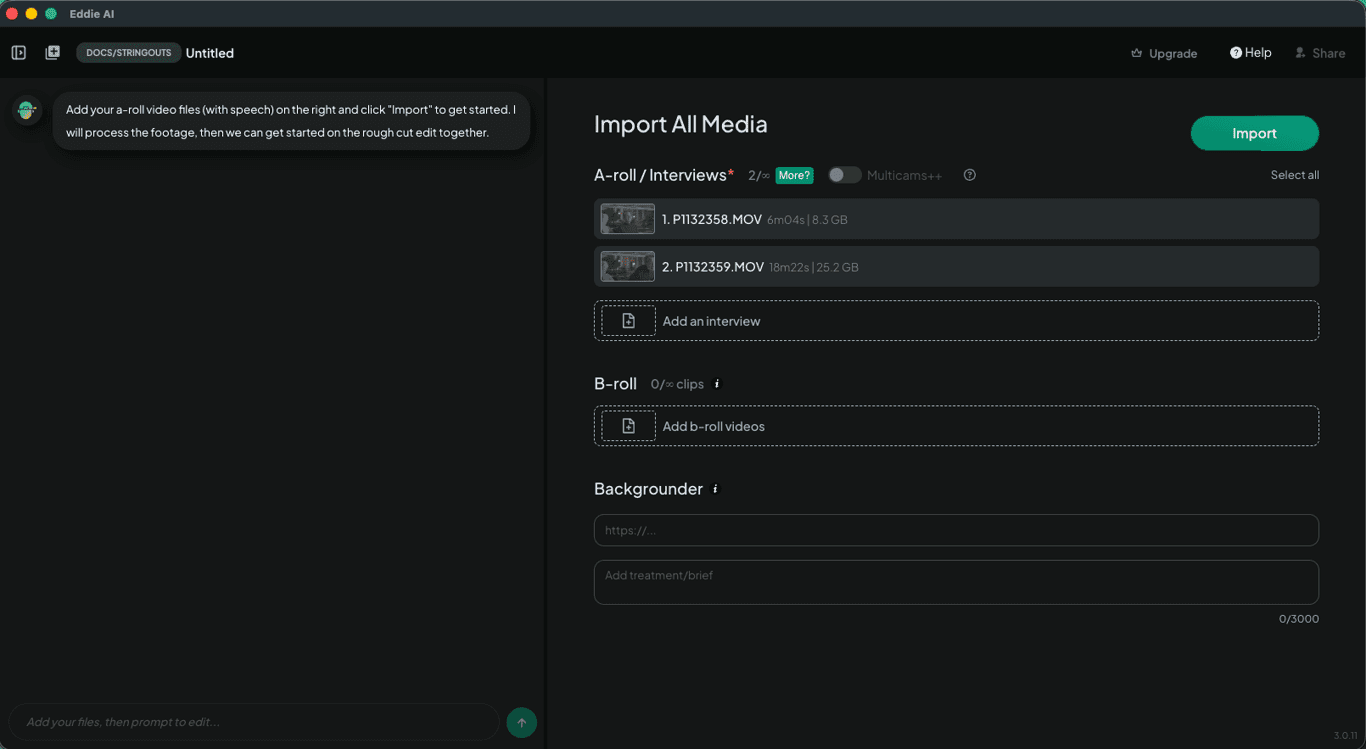
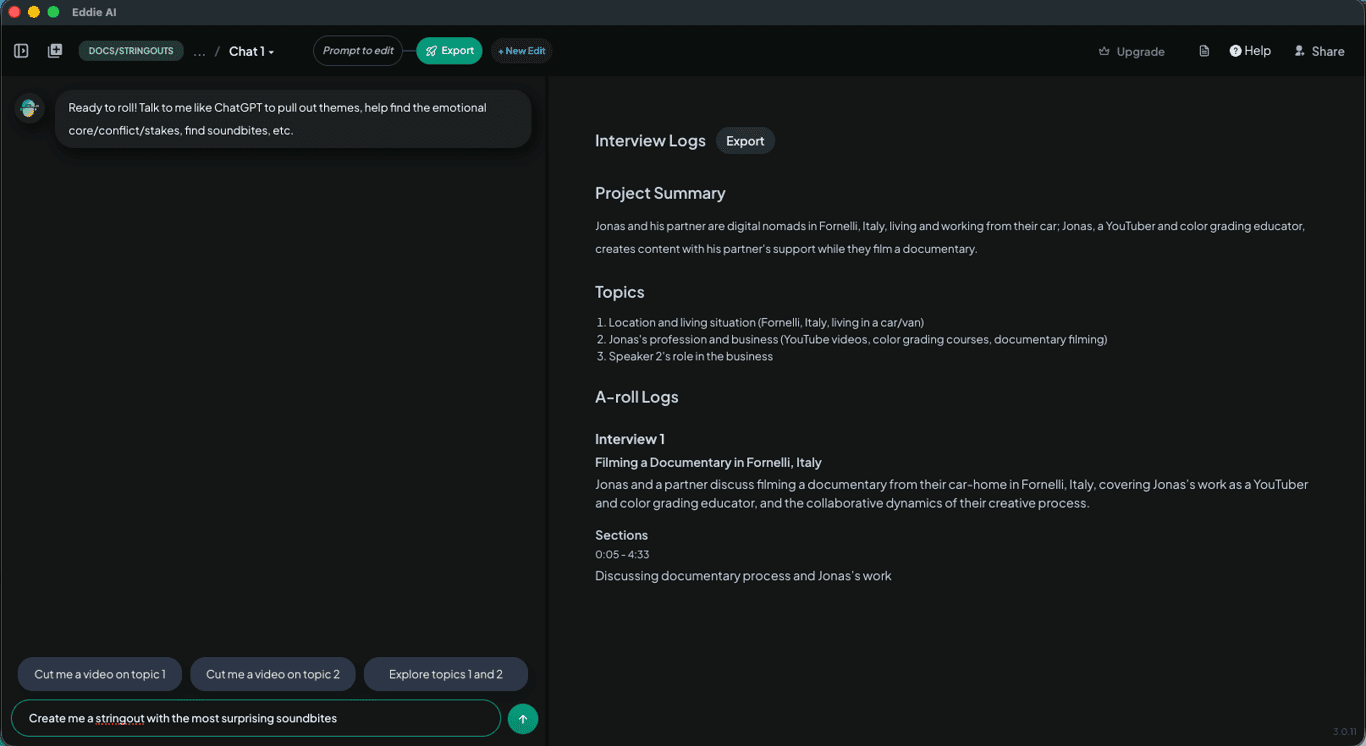
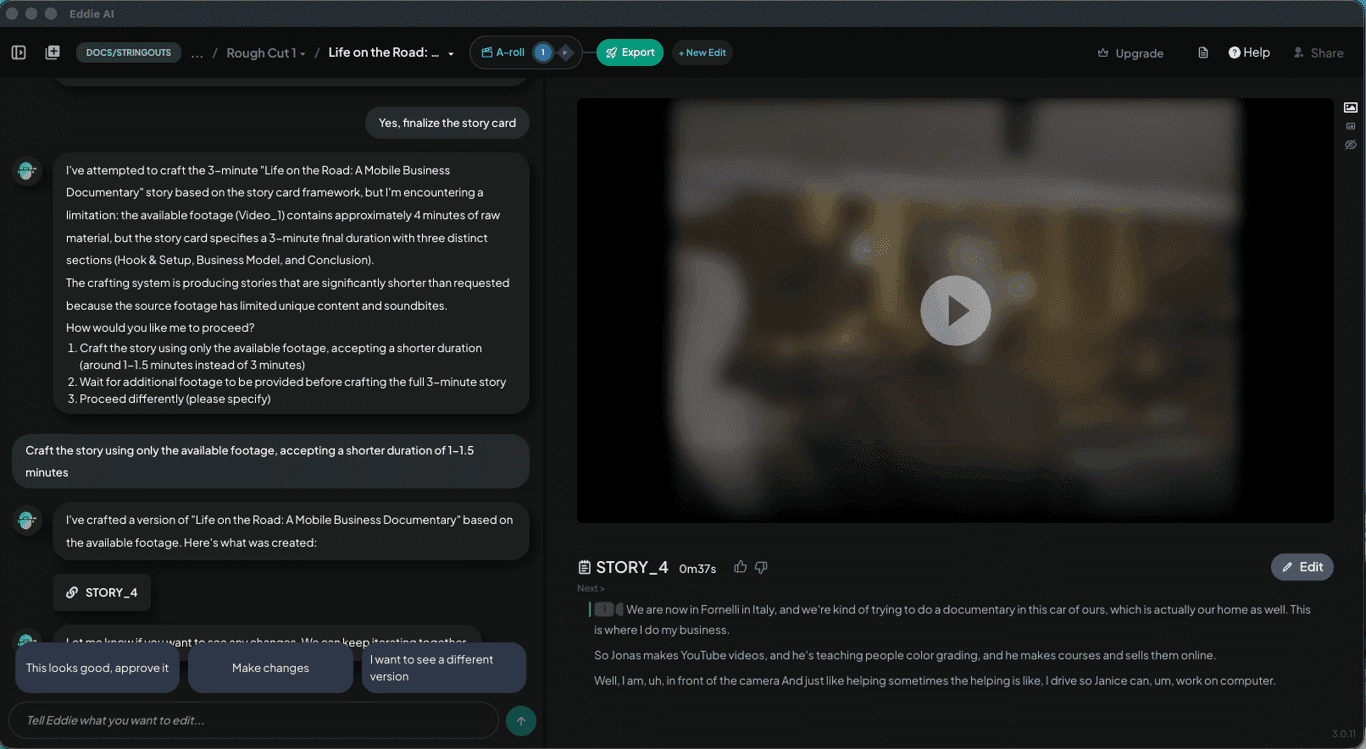
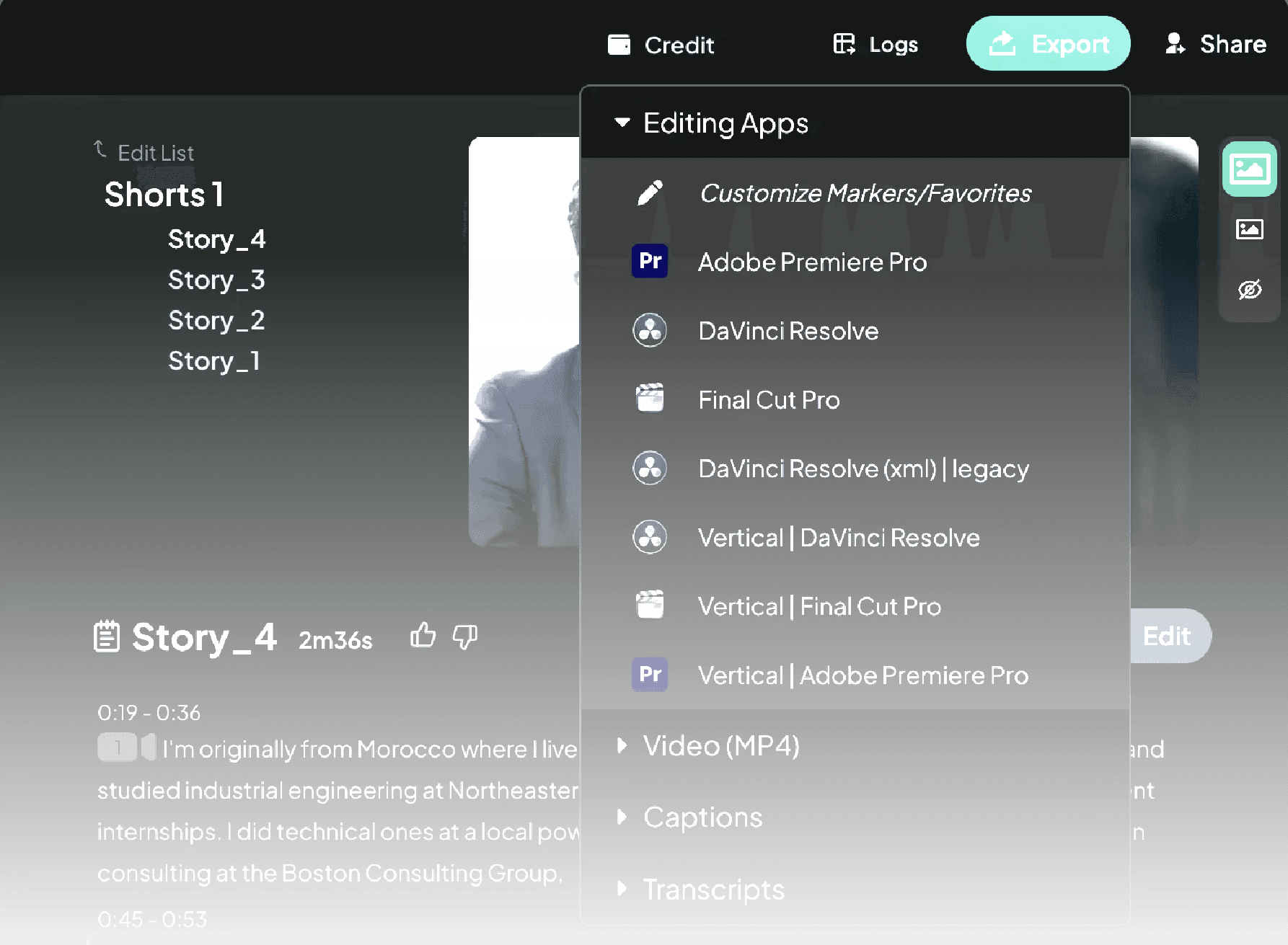
You can export a transcript from Premiere Pro or DaVinci Resolve, paste it into Claude, and prompt it for themes, soundbites, and summaries. Claude helps with transcript analysis, but it doesn’t handle video, timecode, or exports. Eddie AI integrates with your NLE, preserves metadata, plays footage inline, and exports a sequence that relinks cleanly.

Claude vs real editing workflows

Transcript-based tools still require manual rebuilding and make it hard to keep clips in sync.

How to Edit Interviews with Claude

Use Claude for ideas if you want—but Eddie builds and exports the edit with metadata intact.

flat screen computer monitor

Export transcript from your NLE

From Premiere Pro or DaVinci Resolve, export your transcript and paste it into Claude.

Prompt Claude

Ask for themes, candidate pull-quotes, titles, and social copy.

A person typing on a laptop on a table

Build the edit manually

Translate Claude’s suggestions into your timeline by hand, matching timecodes yourself.

Use Eddie AI for a faster workflow

Eddie integrates with your NLE, plays video inline, preserves metadata (start timecode, resolution), and exports seamlessly so files relink.

Built for pro workflows

Built for pro workflows

Edit Interviews in Any Language

Eddie supports a wide range of languages, so you can edit interviews even if they’re not in your native language—or if they mix languages.

Try It

Prototype with Claude, then finish faster with Eddie—save hours and focus on story.