How to Edit Interviews with ChatGPT
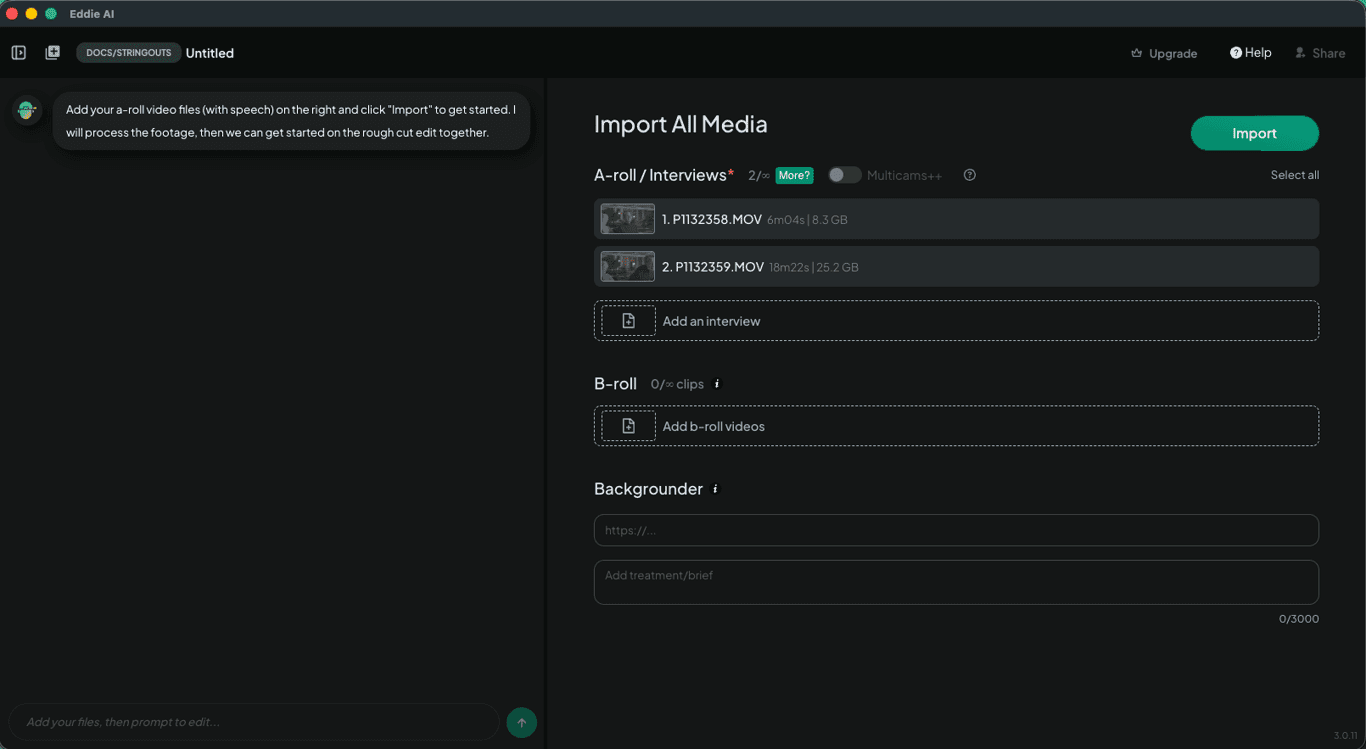
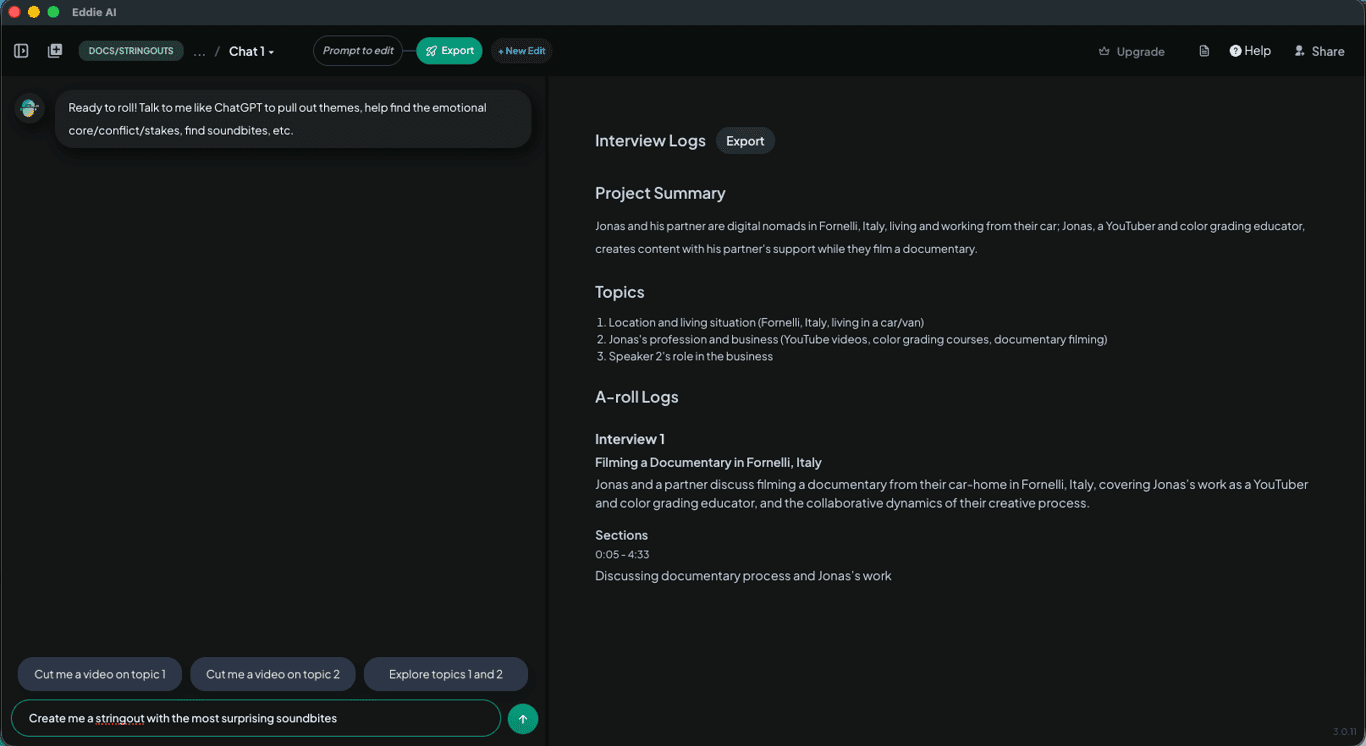
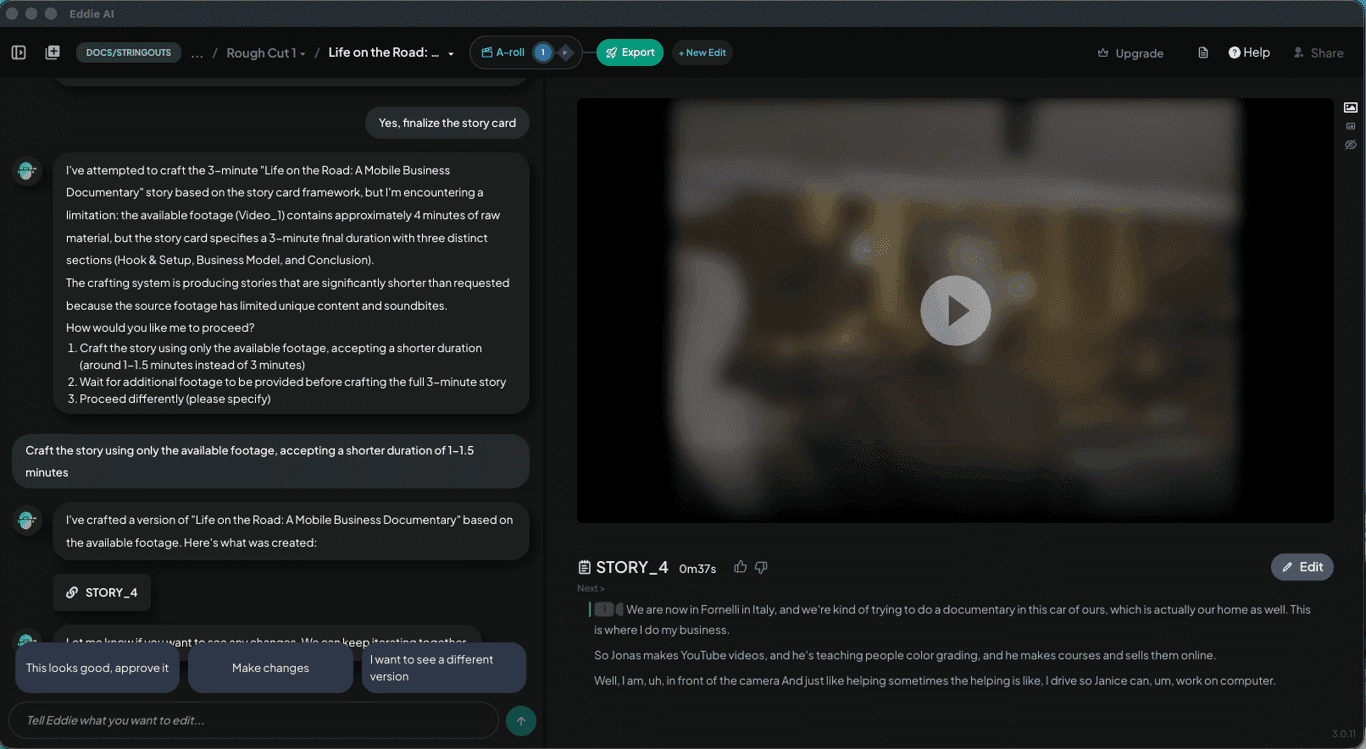
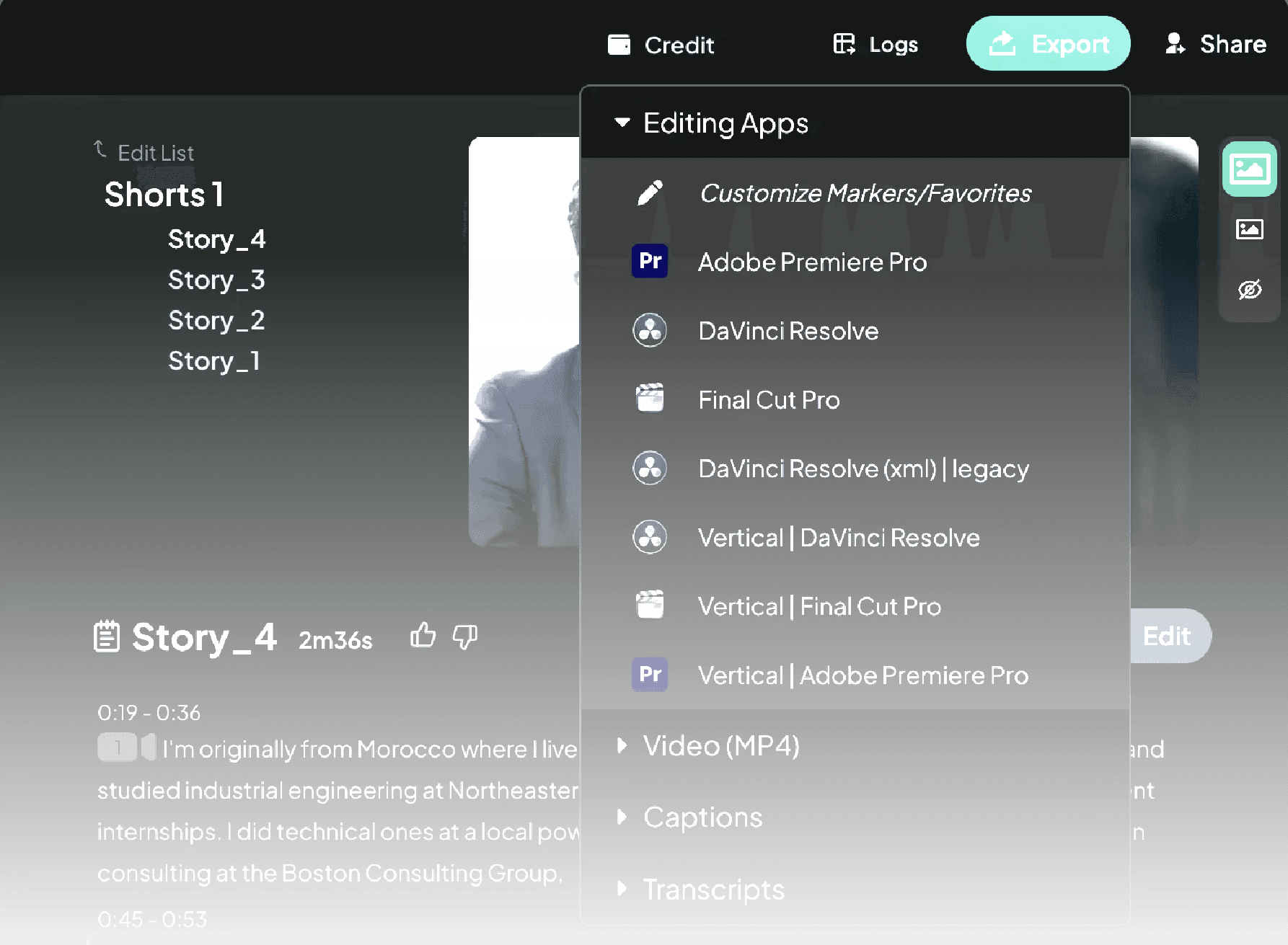
Export a transcript if you need to—but Eddie builds the edit with your footage still in sync and ready to export.
From Premiere Pro or DaVinci Resolve, export your transcript and paste it into ChatGPT.
Ask for themes, best moments, titles, or social copy. Use it to prototype ideas.
1.
Export transcript from your NLE
2.
Prompt ChatGPT
3.
Rebuild the edit manually
4.
Use Eddie AI for a faster workflow
Built for pro workflows
ChatGPT vs real editing workflows
Transcript-only tools are limited: you still have to rebuild edits manually and keep clips in sync.
Edit Interviews in Any Language
Eddie supports a wide range of languages, so you can edit interviews even if they’re not in your native language—or if they mix languages.
Learn More
Try It
Use ChatGPT to brainstorm, then let Eddie do the heavy lifting—save hours and publish more.
Try Eddie AI