How to Edit Interviews with AI
Editing interviews can take hours—or even days—of post-production. Eddie AI automatically builds edits from your interviews so you can get time back.
Save hours (or days) in post-production by using Eddie AI to build edits from your interviews. Import your footage, generate a rough cut, create shorts and copy, then export seamlessly to your NLE.
Why Interview Editing Takes So Long
Reviewing long recordings|Finding the best soundbites|Maintaining pacing and structure|Creating social clips and copy
How to Edit Interviews with Eddie AI
Import, auto-edit, create shorts and copy, export—save hours (or days) so you can focus on story and make more videos.
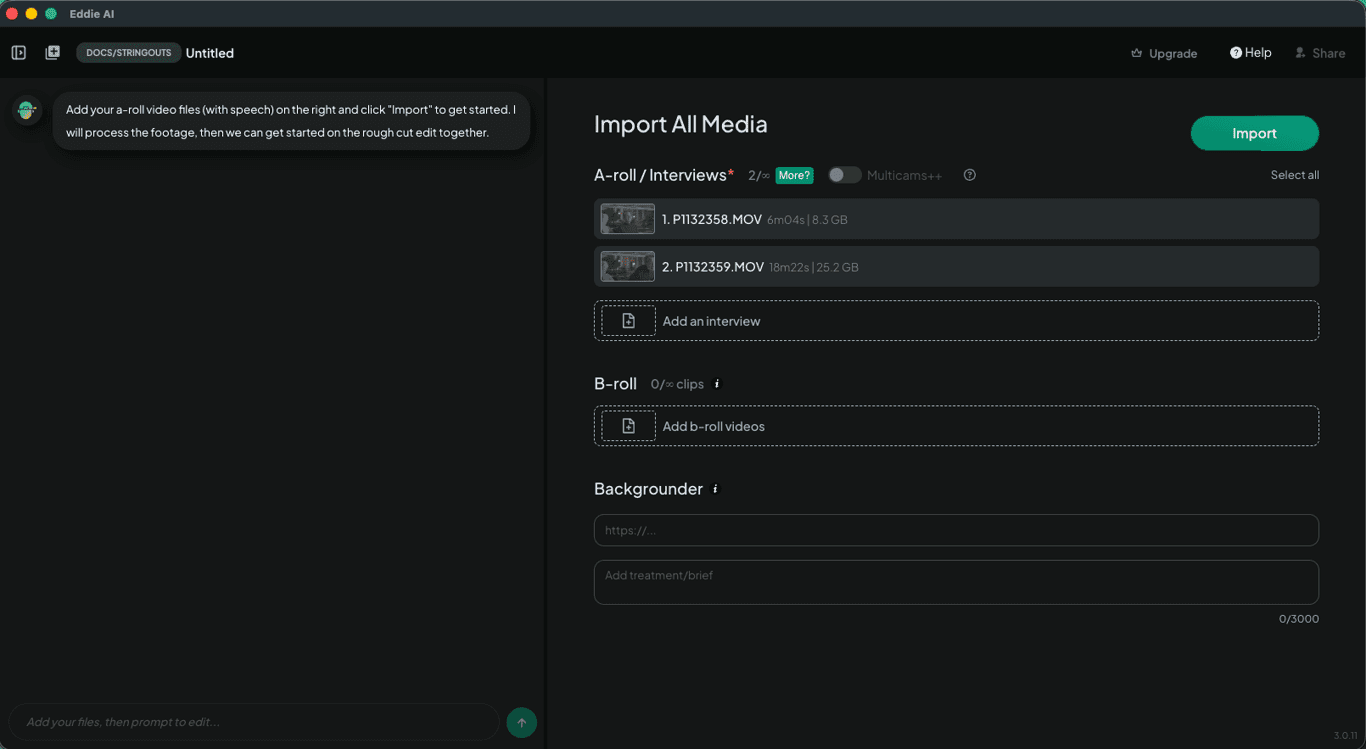
Download Eddie AI and import your footage—up to 6 angles plus separate audio.
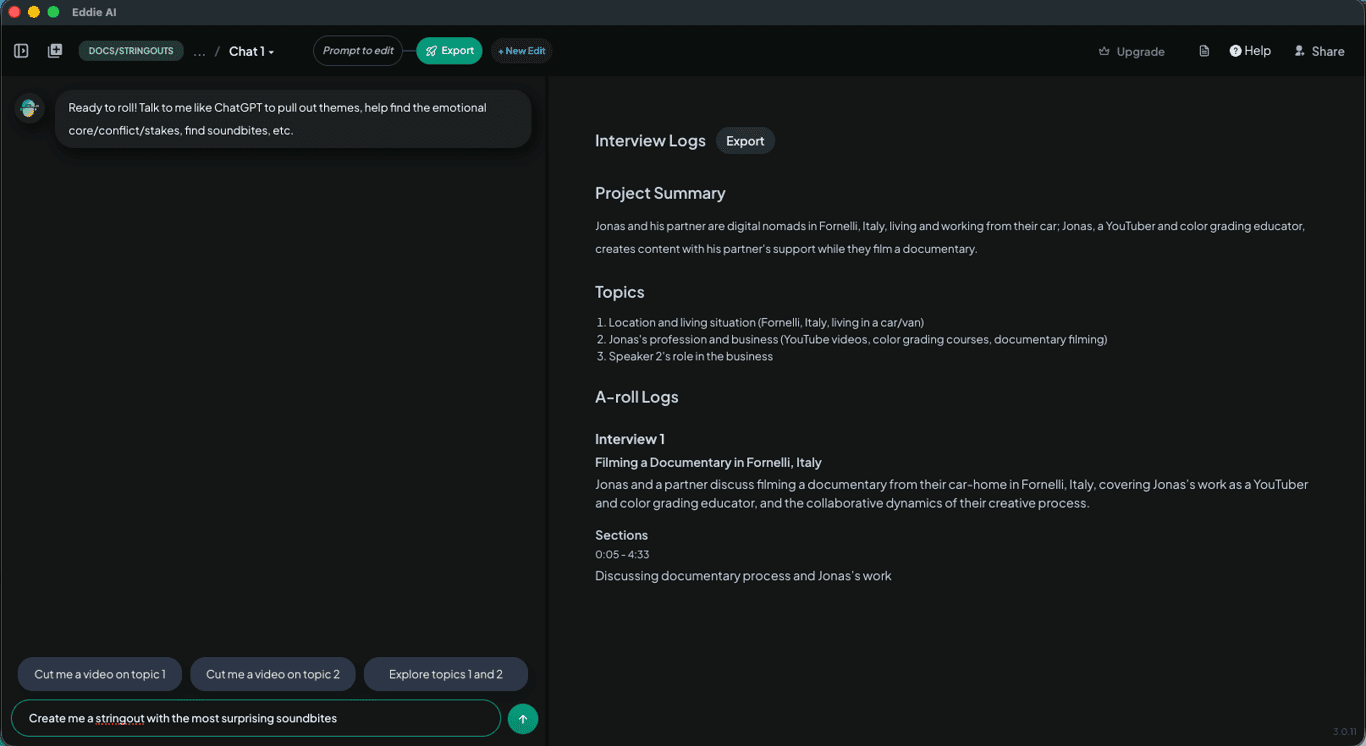
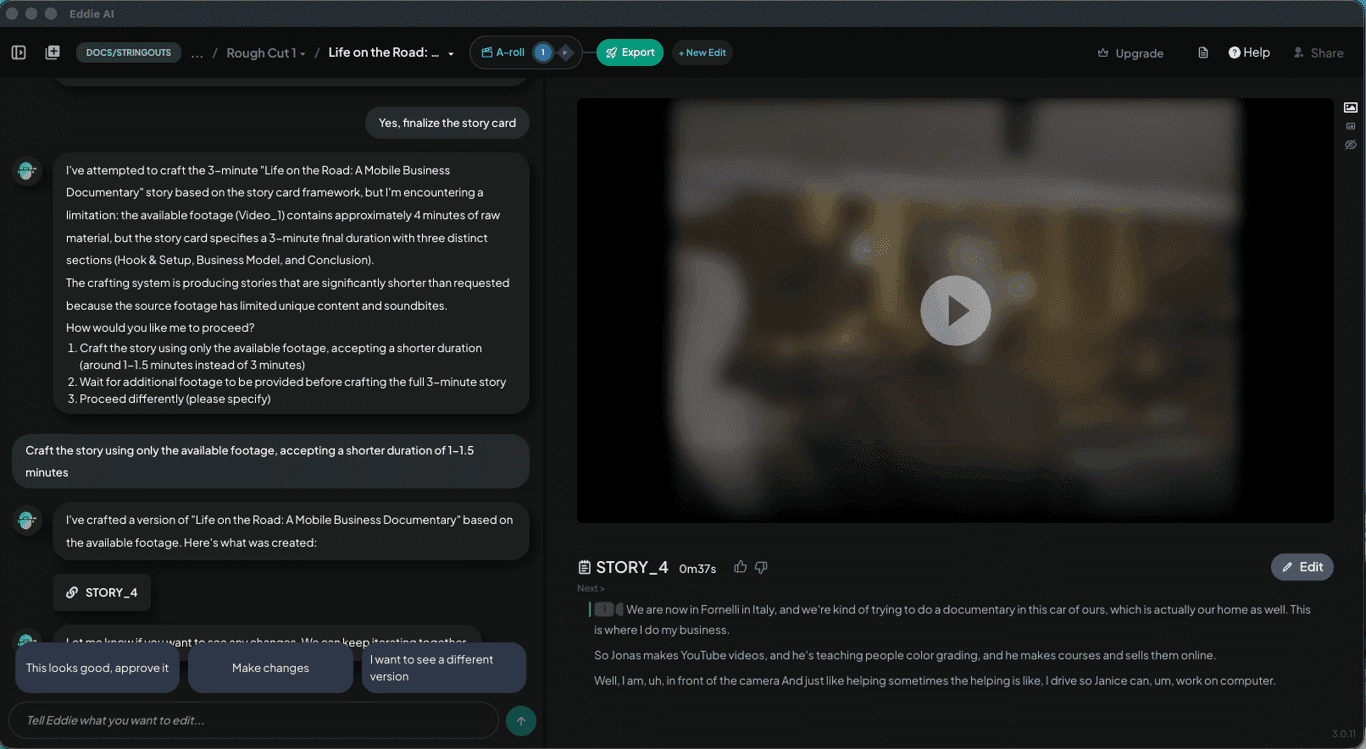
Eddie syncs and aligns footage, identifies speakers, surfaces the best moments, and builds a rough edit—cutting hours of manual review.
Ask Eddie to generate social clips plus titles, descriptions, and post copy—ready to publish.
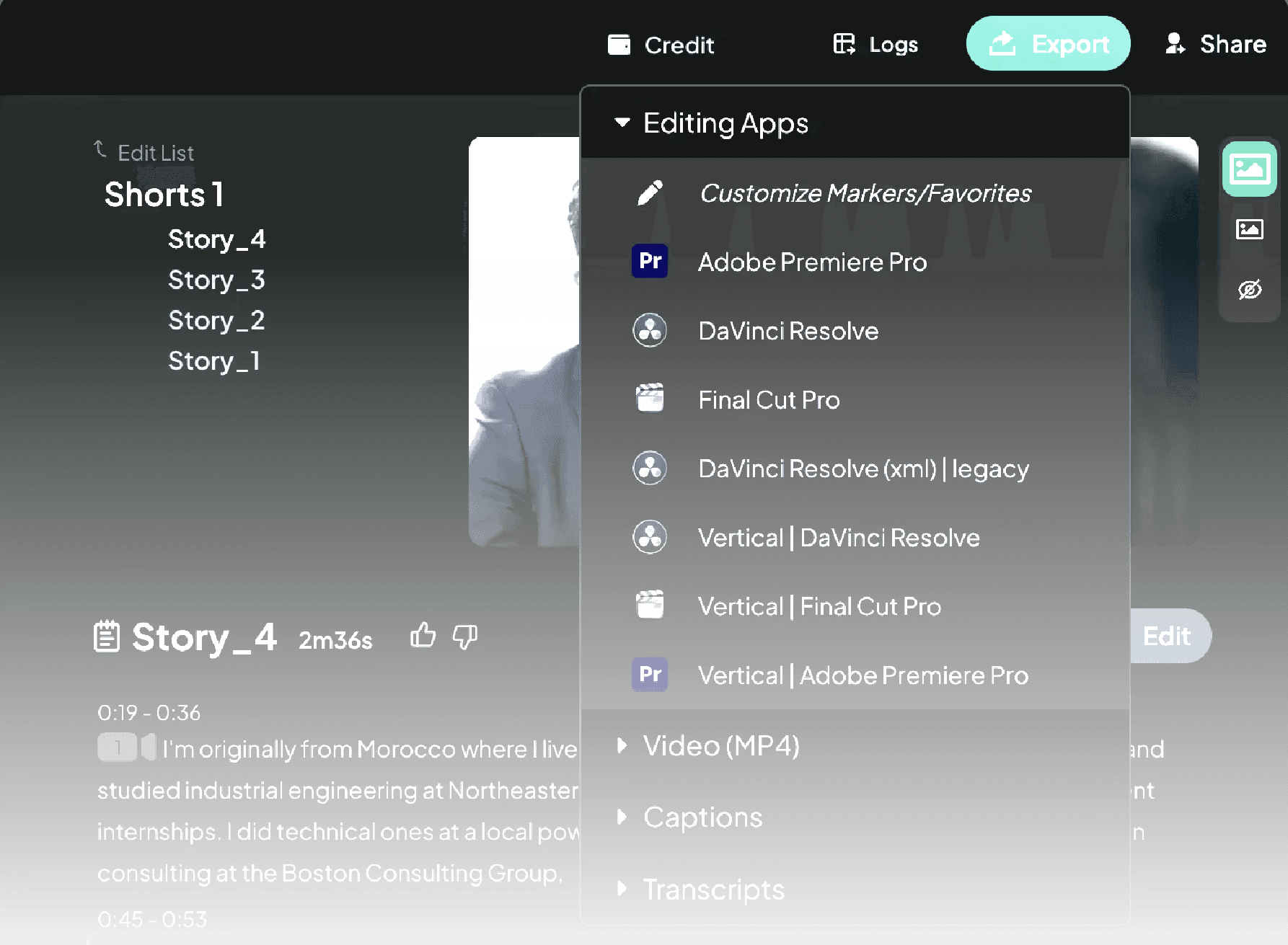
Export to Adobe Premiere Pro, DaVinci Resolve, or Final Cut Pro—clips seamlessly relink.
1.
Import your footage
2.
Generate a rough cut
3.
Create shorts and copy
4.
Export to your NLE
Built for pro workflows
Edit Interviews in Any Language
Eddie supports a wide range of languages, so you can edit interviews even if they’re not in your native language—or if they mix languages.
Learn More
Try It
Let Eddie auto-build edits from interviews—save hours so you can focus on story and publish more.
Try Eddie AI