
Features
- Rough cuts
- Multicam
- A-roll logging
- B-roll logging
- Speaker identification
- Scripted edits
- Social clips
- Exports to your editor
- Styles and color
- Motion graphics
- Captions & titles
- Stock B-roll
- Generate video
- Generated music
- Voiceover
- Dubbing
- Transcription in 97 languages
- Web app
- Mac and Windows
- Claude & ChatGPT
- Recipes
- Agents
- API + MCP
Solutions
How to Edit Oral History Interviews
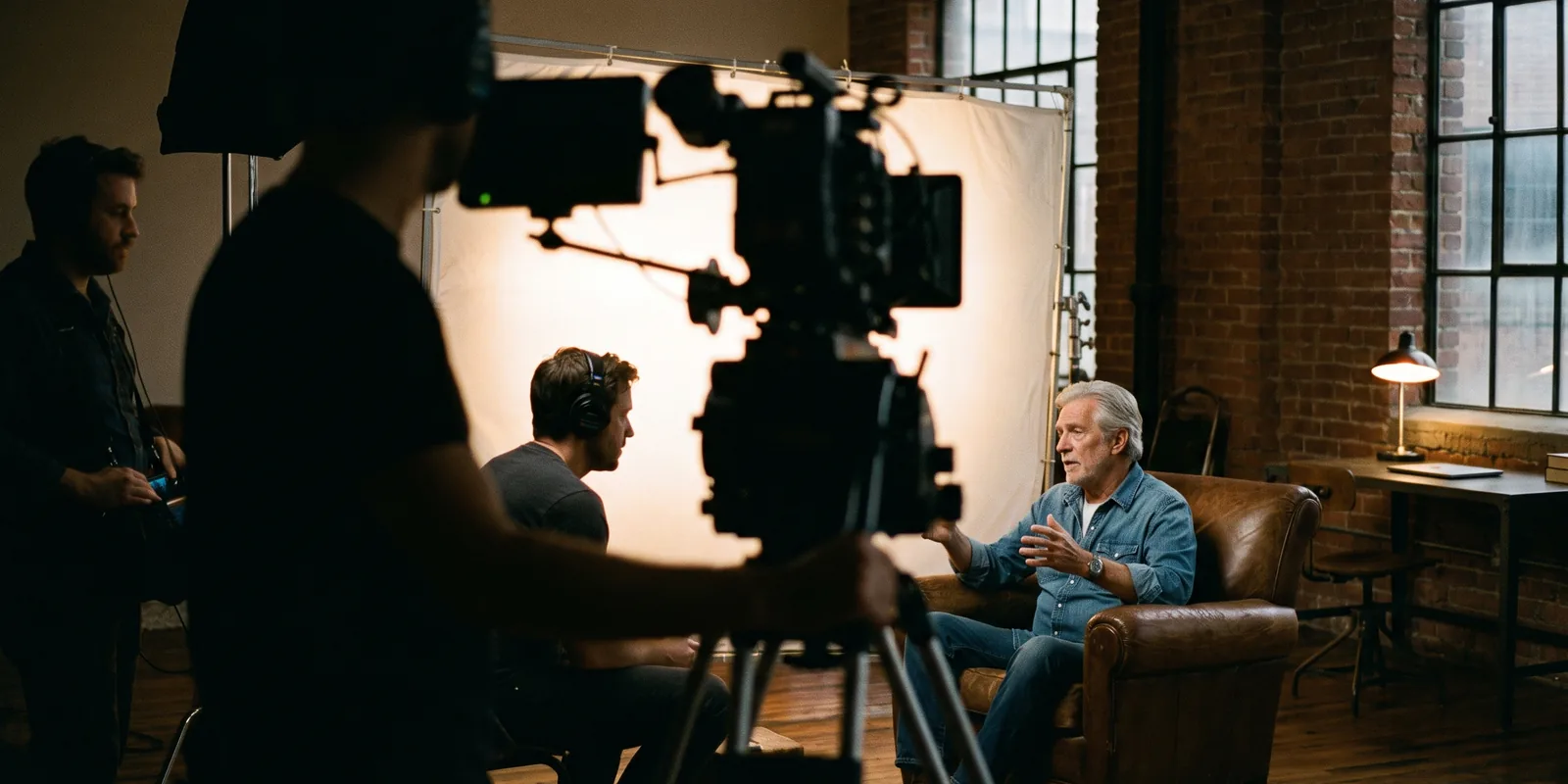
An oral history interview may be the only record of someone's memory. A museum, historical society, university library or family wants two things from it: a faithful archive copy that future researchers can trust, and something short enough that people will actually watch. This guide makes both from one recording without cutting into the testimony.
The short answer
Keep the full, unedited recording as the archival master, with a corrected transcript, a time-coded index of topics and the narrator's details stored alongside it. Then make the versions people watch: an access copy of the whole interview with chapters and only the setup and breaks removed, and a short film of a few minutes built from the strongest stories, with archival photos over the lines where the narrator describes them. Never join words in a way that changes what the narrator meant. Eddie transcribes and indexes the interview, fixes names in the transcript, builds the access copy and the short film, and plays every edit from your original files without changing them.
The deliverables
What you will end up with
- The original recording untouched, with the narrator's details stored on it.
- A corrected transcript and a time-coded topic index for the archive.
- A chaptered access copy of the full interview.
- A short film with archival photos, plus captions for every version.
6 steps
Step by step
- 01Import, transcribe and record the details
- 02Correct names and places in the transcript
- 03Index the interview into topics
- 04Build the access copy
- 05Cut a short film with the photos
- 06Deliver to the archive and the public
Step 1
Import, transcribe and record the details
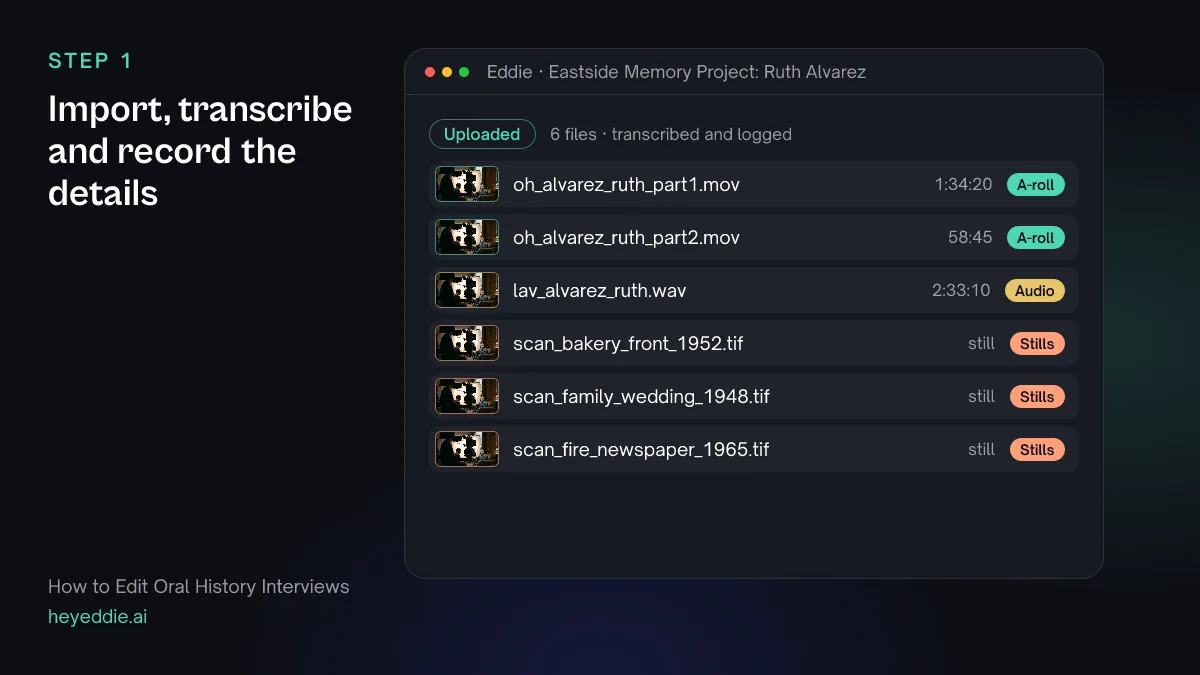
Upload both parts of the interview, the separate microphone recording and the scanned photos. Record who, when and where on the files straight away; an interview without that information is much less useful to an archive.
What you type “Transcribe both parts of Ruth Alvarez's interview, and record on the sources: narrator Ruth Alvarez, interviewer Ben Cole, recorded 14 March 2026 at the Alvarez home, keywords bakery, Eastside, 1950s.”
What Eddie does
- Quotes the transcription credits for both parts, then transcribes them.
- Writes the narrator, interviewer, date, location and keywords into the source metadata, keeping each change as a revision.
What you get: A searchable interview that carries its own catalogue details.
Step 2
Correct names and places in the transcript
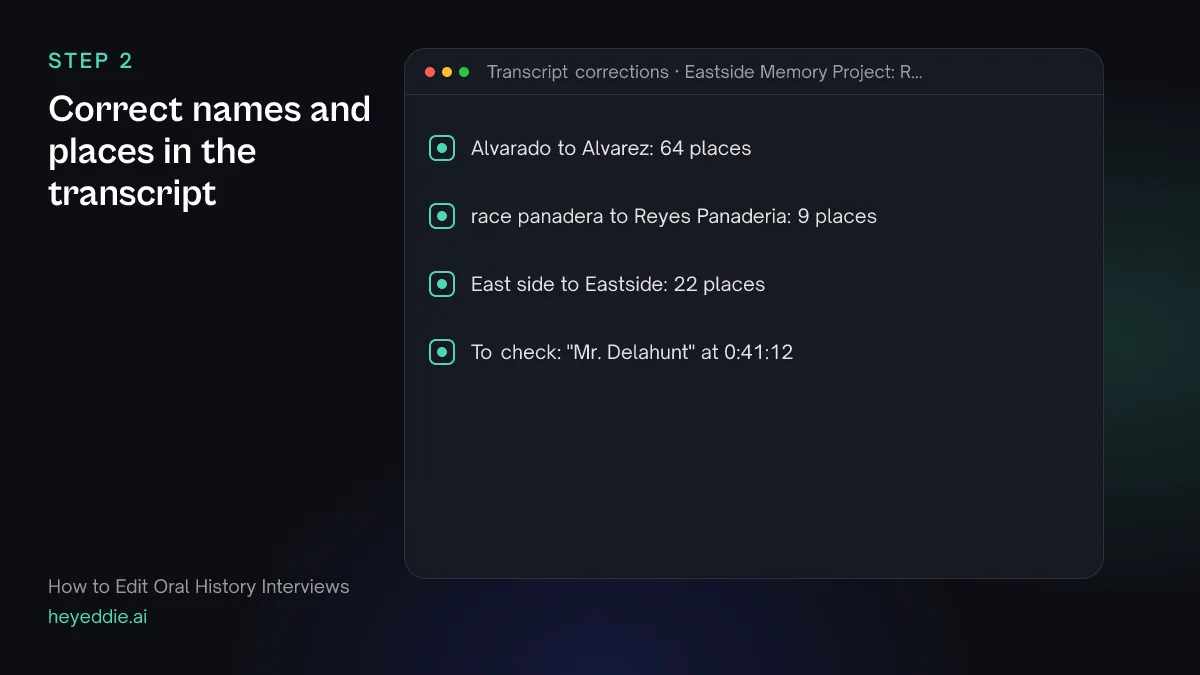
Speech-to-text gets common words right and names wrong. Family names, street names and businesses are what researchers search for, so correct them before anything else.
What you type “Correct the transcript: "Alvarez" not "Alvarado", "Reyes Panaderia" not "race panadera", and "Eastside" as one word. Then list any other names you think may be misheard.”
What Eddie does
- Replaces each misheard name everywhere it appears, keeping every word timing.
- Lists other proper names that look wrong, for you to check with the narrator or the interviewer's notes.
What you get: A transcript you can hand to an archive.
Step 3
Index the interview into topics
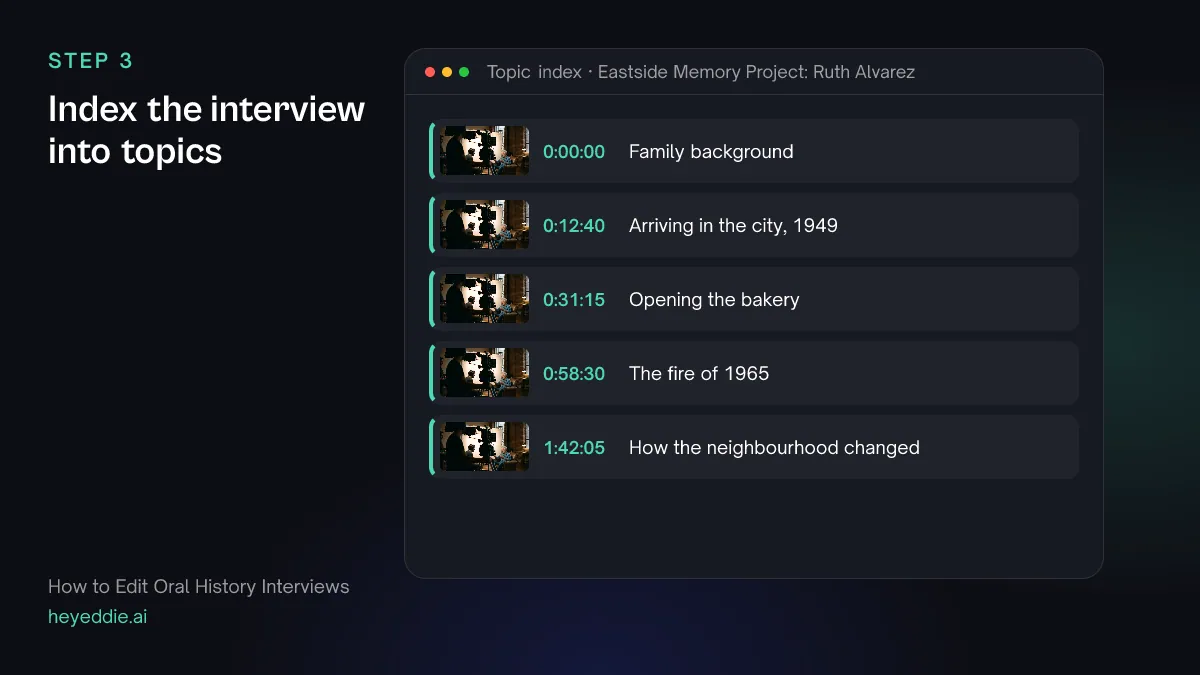
A two-and-a-half-hour interview needs an index: what is discussed, and where. It is what makes the recording usable to someone who will never watch all of it.
What you type “Log the interview with a summary and timestamped topics, and give me a chapter list for the full interview with a short title for each chapter.”
What Eddie does
- Writes an interview log with a summary and timestamped topics.
- Returns the chapter points and titles, ready for the access copy and the catalogue record.
What you get: An index of the whole interview.
Step 4
Build the access copy
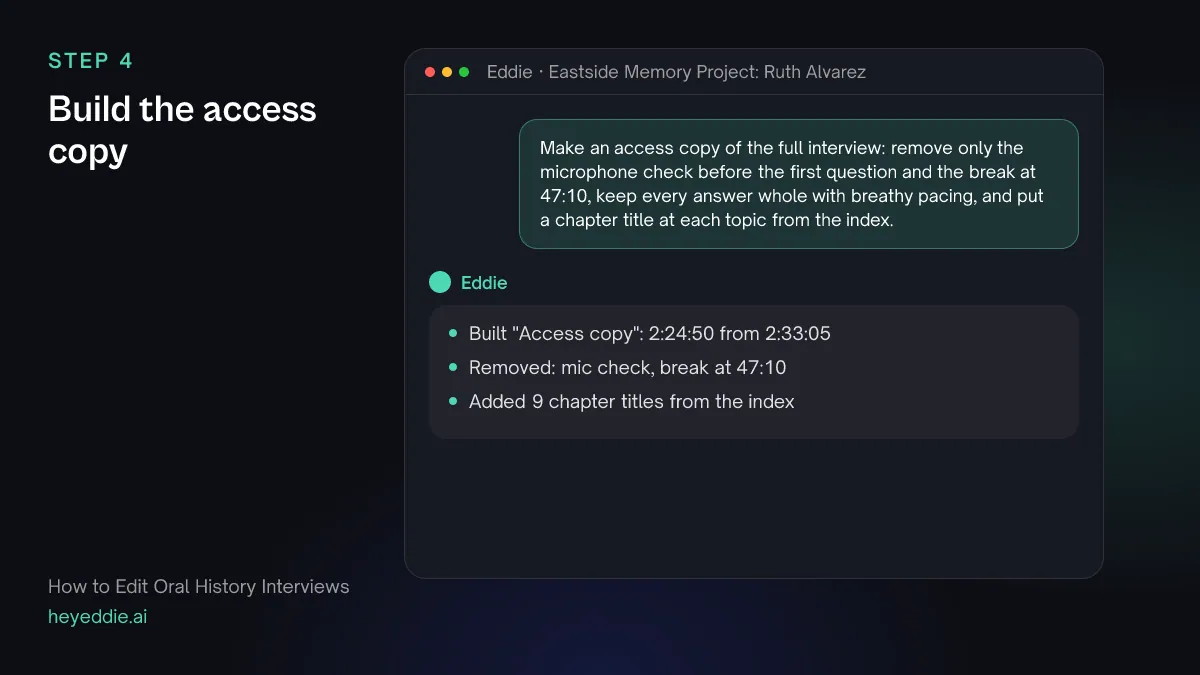
The access copy is the whole interview for viewers: remove only the setup and the breaks, keep every answer whole, and put a chapter title at each topic. The archival master stays as recorded.
What you type “Make an access copy of the full interview: remove only the microphone check before the first question and the break at 47:10, keep every answer whole with breathy pacing, and put a chapter title at each topic from the index.”
What Eddie does
- Builds the edit with only the stretches you named removed, and breathy pacing keeps more of the narrator's pauses.
- Places a chapter title at the start of each topic.
What you get: The full testimony, navigable.
Step 5
Cut a short film with the photos
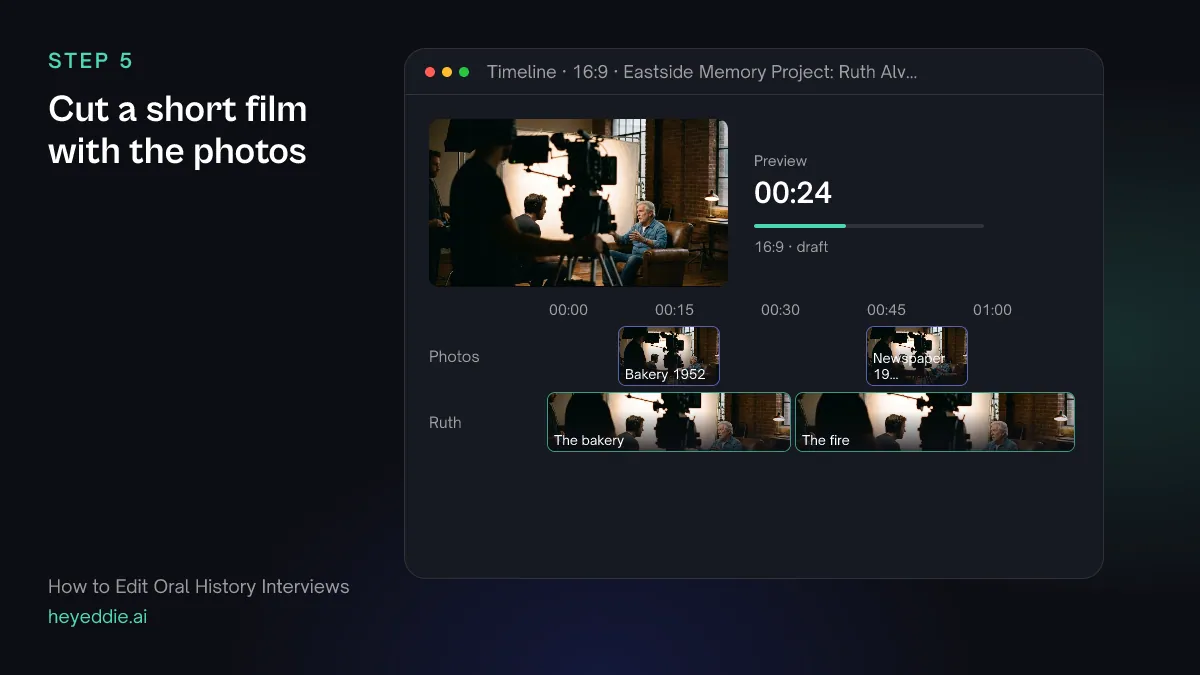
A short piece of five to eight minutes is what most people will watch. Build it from two or three complete stories, use whole sentences only, and show the photos where the narrator describes them.
What you type “Make a 6-minute short from the stories about opening the bakery and the fire of 1965. Use complete sentences only and never join parts of two answers into one. Put the scanned photos over the lines where Ruth describes them, with slow, subtle movement.”
What Eddie does
- Builds the short to the target length from the passages you named.
- Places the scanned photos over the matching lines from your own library.
- Gives the stills a subtle, slow movement.
What you get: A short film made only of the narrator's own words.
Step 6
Deliver to the archive and the public
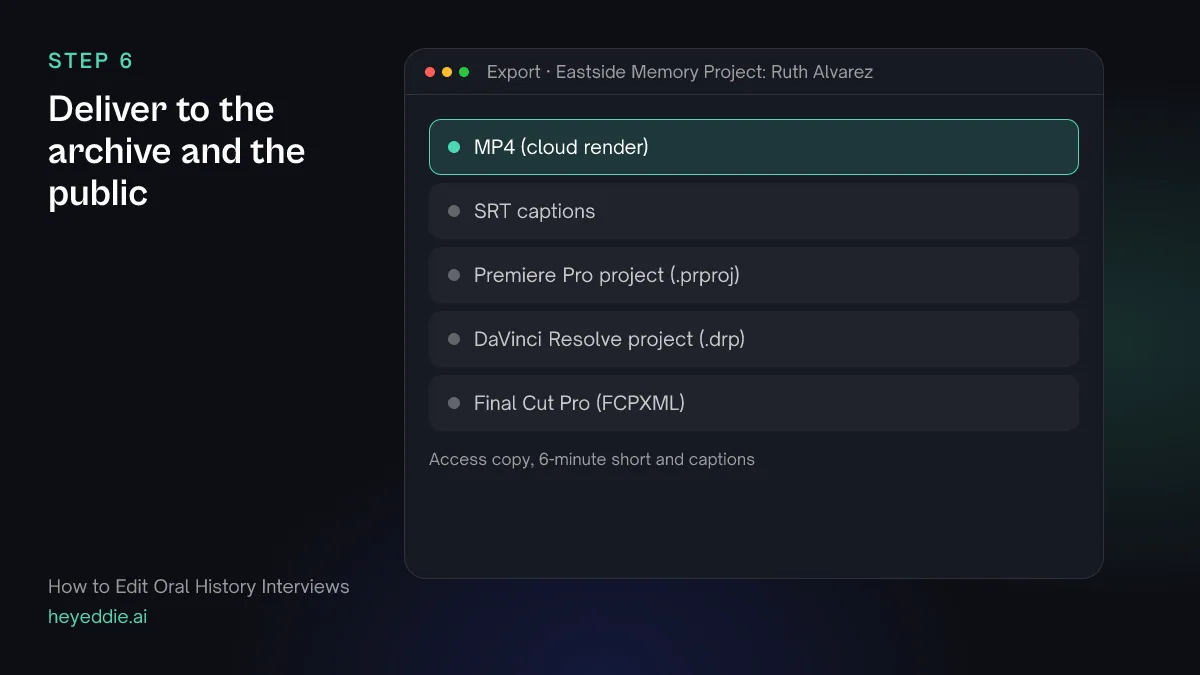
Archives want the transcript and the index as documents, and captions for accessibility. The public versions need captions too.
What you type “Export the access copy and the short as 1080p MP4s with SRT captions, and make a transcript document with speaker names, timestamps and the topic index at the top.”
What Eddie does
- Renders both edits in the cloud and exports the captions.
- Creates the transcript document and returns a download link.
- Leaves the original files as they were; every edit plays from them.
What you get: An archive package and two versions to publish.
Craft
What makes it work
- Keep the master unedited
- The archival copy is the recording as it happened, including the pauses and the off-topic stories. Edited versions are for viewing; label them as excerpts and point back to the full interview.
- Check the release first
- Most oral history programmes ask the narrator to sign a release that says how the recording may be used. Read it before you publish anything, and respect any section the narrator asked to restrict.
- Edit for clarity, not for polish
- Remove the setup and long breaks, but leave the narrator's hesitations inside an answer. They are part of the testimony, and smoothing them out changes how a memory sounds.
- Caption the photos you use
- Note what each photo shows, when and where it was taken, and who holds the original. The same details belong in the catalogue record.
- Correct names early
- Every caption, chapter title and document is built from the transcript. Fix names and places first and they are right everywhere.
FAQ
Questions
- Should you edit an oral history interview at all?
- Keep the full recording unedited as the archival master. Edited versions, such as an access copy without the setup or a short film, are fine for viewing as long as they are labelled as edits and the full interview stays available.
- How do you transcribe an oral history interview?
- Start with a speech-to-text draft, then check every name, place and date against the interviewer's notes or with the narrator. Decide whether the transcript is verbatim or lightly edited, and say which in the archive record.
- What should I keep for the archive?
- The original camera and audio files, unaltered, plus the corrected transcript, the topic index, the signed release and the details of who, when and where. Eddie never changes your original files.
- Can I hide details the narrator asked to restrict?
- Yes, in the versions you publish. Eddie can blur or cover a region of the picture, such as a document or a face, and mark spoken words as removed. A blur is baked into rendered video, not into project files for other editors, and the archival master stays complete.
- Can Eddie find the most moving moments?
- Yes. Eddie can analyse the interview for moments a transcript cannot carry, such as a voice breaking, a long pause or a look away, and record them with timestamps. The analysis uses credits per hour of footage.
- How is this different from editing a documentary?
- A documentary combines many voices into one story. An oral history keeps one narrator's account whole, so the edit is about access, indexing and short excerpts, not about building an argument from the footage.

Edit your oral history interviews with Eddie
Sign up, add your footage and type the first prompt above. New accounts start with free credits.