
What's new in v4
Ten times the Eddie you knew.
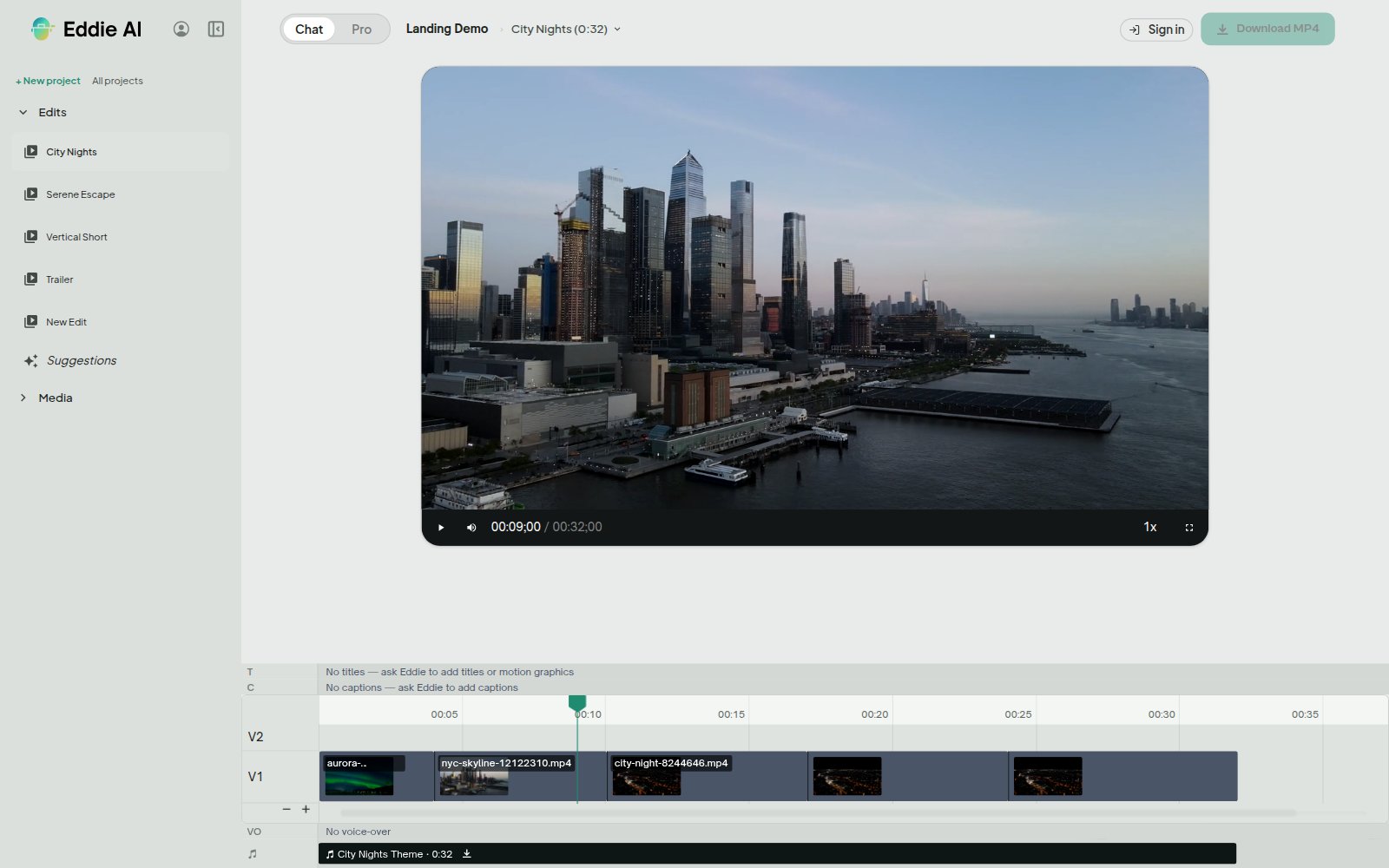
Eddie v4 doesn't just trim a timeline: it watches your rushes, finds the story, syncs your cameras, names who's on which angle, writes the music, sources the b-roll, and hands the finished cut to Premiere, Resolve, Avid or Final Cut as a real project file.
Works in your browser, on your iPhone, and inside Claude and ChatGPT. Desktop app available for macOS (Apple Silicon & Intel) and Windows.
Native hand-off
Goes straight into your edit suite
Eddie doesn't hand you its own editor and hope you stay. It hands you a real project, in the tool you already use.
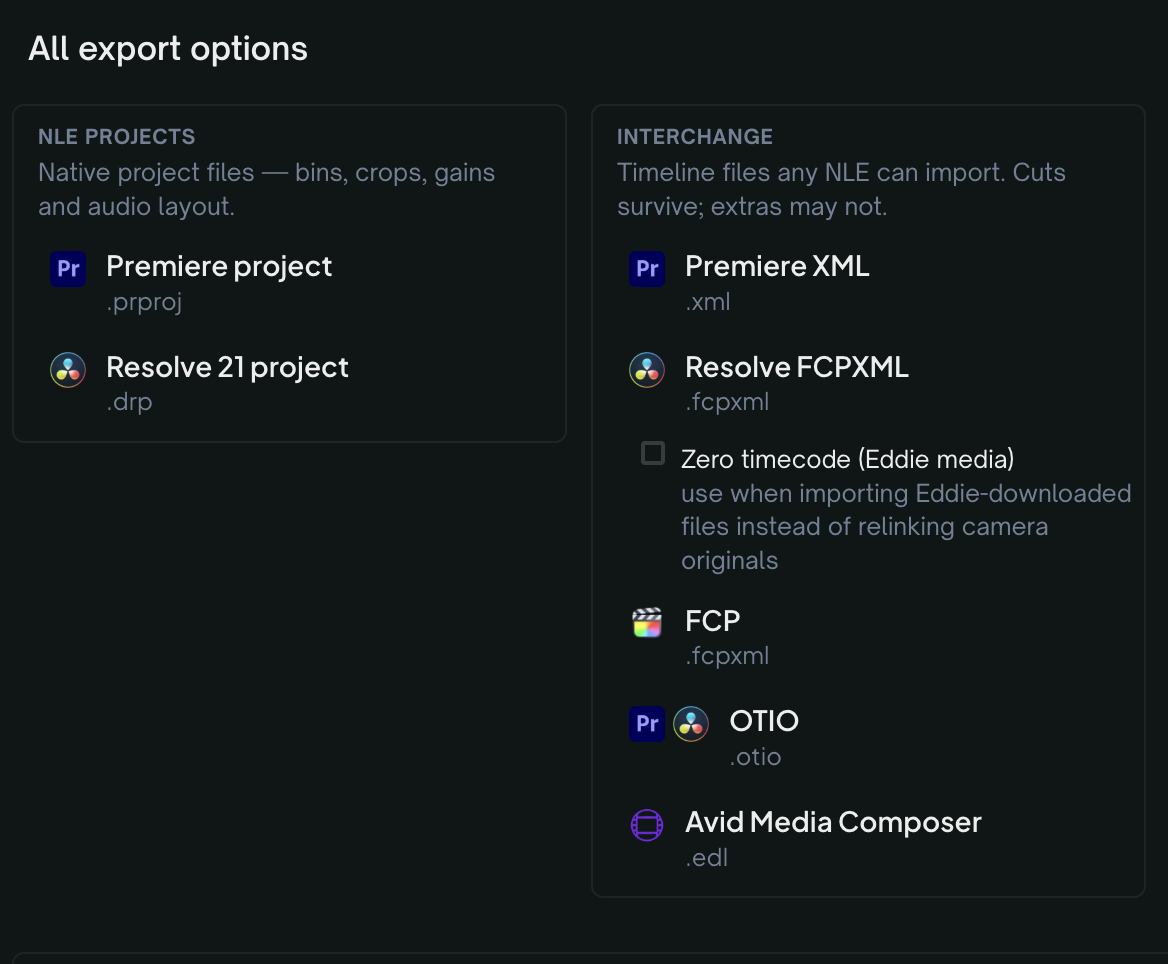
Real Premiere projects
Eddie writes a native .prproj file in seconds, with your multicam intact. Open it and everything is where it should be.
Real Resolve projects
Same for DaVinci Resolve: a native .drp with your bins, timeline, angles and source timecode.
Avid Media Composer
New in v4. Browse your open bins and send an edit back as a new sequence, through the Eddie AI AE extension โ beta, for Media Composer 2024 and 2025.
Premiere Pro Productions
Eddie joins your Production the way another editor would, and delivers an assembly straight into it, with the media placed for you.
Blackmagic Cloud
Eddie builds bins, selects, reels, markers and organized b-roll inside your own Resolve project in the cloud.
Final Cut Pro
FCPXML in and out, keeping your original multicam and compound clips intact on the round trip.
Or just take the video
MP4 up to an hour, audio stems, alpha graphics tracks, and footage logs as CSV, Word or PDF.
Trust, and the model underneath
Certified for the work that couldn't come to the cloud before
The certifications your IT department asks about, and the model we built to earn them.
SOC 2 Type II
Procurement teams that couldn't approve us before, can now.
GDPR
Fully compliant, with a Data Processing Addendum ready to sign.
HIPAA
Compliant, which opens medical and clinical work that couldn't touch a cloud editor before.
C2PA content credentials
Eddie signs its output with C2PA provenance, so a broadcaster can verify what was done to the footage.
On-premises
For facilities whose footage can't leave the building, Eddie can run on your own hardware.
EddieEditor1-9B
We trained our own editing model rather than renting someone else's. It's small enough to run locally, and in blind comparisons editors preferred its cuts to a model 300 times its size 47% of the time.
Collaboration
Work with your team
Projects live in the cloud, so everybody sees the same cut, updating live, on whatever device they're using.

Workspaces
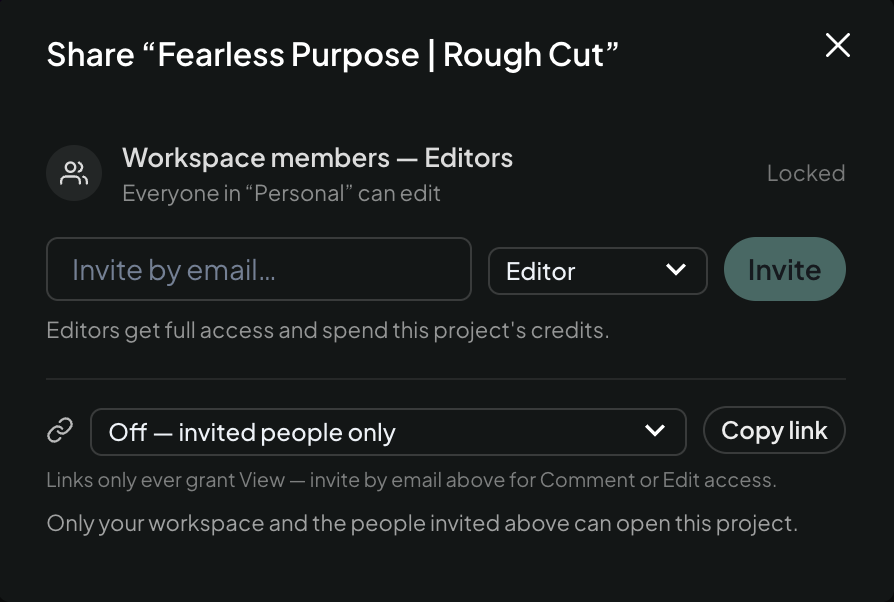
Shared projects, shared credits, and one place to manage who's in โ or share a single project instead: a freelancer as an editor, a client as a commenter who can't spend a credit, or a view-only link that needs no sign-up.

Comments on the frame
Reviewers comment on the exact frame. The editor gets it instantly and the player opens right there โ including Eddie's own review feedback when you ask it to watch the cut.

Round-trip with Frame.io
Send a rendered cut out for review and the comments flow back onto your Eddie timeline, each ready for Eddie to implement.
Slack and Microsoft Teams
Connect a channel and your team sees imports, renders and review activity where they already talk.
Enterprise SSO
Sign in with your company account and land in your company's workspace.
The edit itself
Multicam, podcasts, and what you didn't shoot
Drop in your cameras and Eddie groups and syncs them automatically. Then it can make the parts of the piece you never filmed.
It syncs itself
Eddie groups and syncs your cameras automatically, by audio or by timecode, cutting to your sound recorder's audio rather than the camera's scratch mic.
Cut to Sarah, not A002
Eddie labels your angles by face and by name, and a camera change on any segment survives into your NLE export.
Original music
Written for your cut, with automatic ducking under dialogue.
Voiceover and dubbing
Generate narration in a voice you choose, or dub an existing edit into another language.
Stock b-roll, searched properly
Describe the shot you need, watch the real candidates, and drop one on the timeline.
Generated b-roll
If the shot doesn't exist anywhere, Eddie can make it.
Finish and ingest
Titles, captions, graphics, and any footage you bring
The finishing touches bake correctly into the export, and the import side never quietly drops a file.
Motion graphics
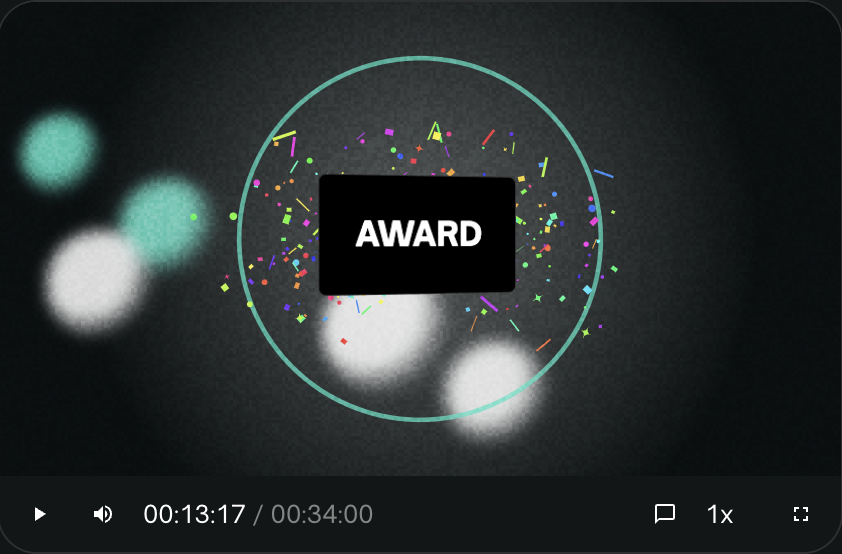
Curated templates and style packs that bake correctly into your export.
Your brand, automatically
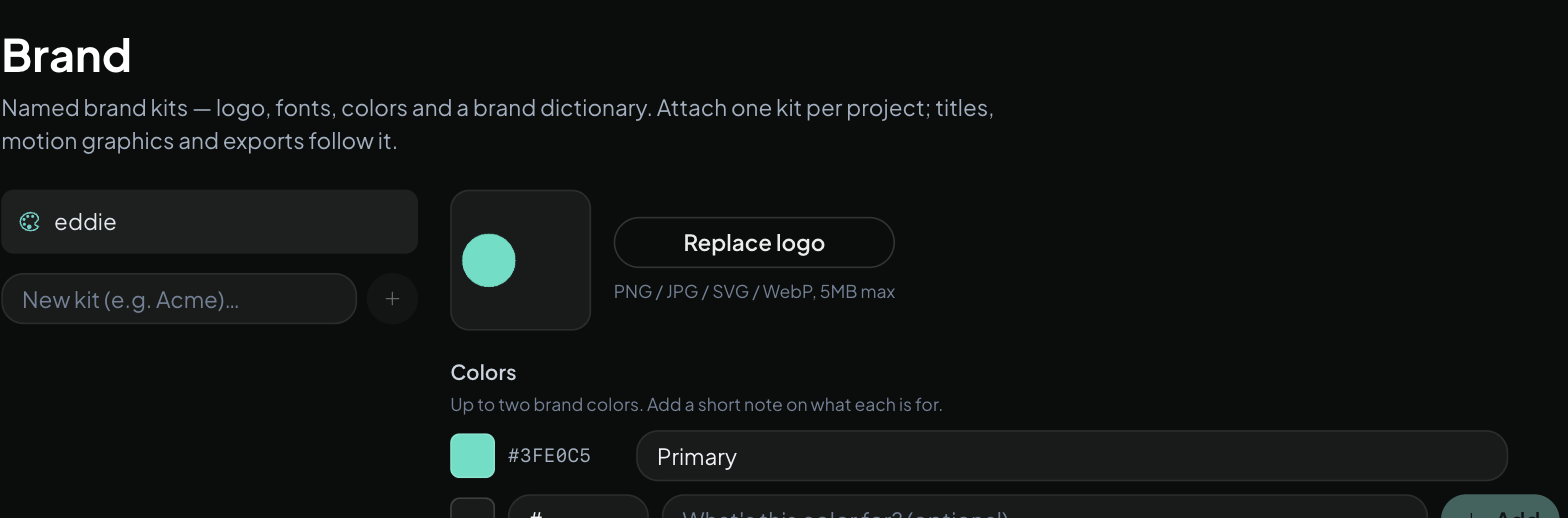
Set your fonts and colours once and Eddie uses them on every title and graphic.
Captions that match
Word-level captions with karaoke highlighting, identical in the preview, the MP4 and the NLE.
Vertical and social
Reframe for any aspect ratio, with the crop following faces instead of squashing the picture.
The formats you actually shoot
BRAW, R3D including spanned clips, MXF, Nikon N-RAW, stills and audio-only files.
Imports that don't lose files
If a file can't be imported, Eddie tells you which one and why. You can carry on without it or retry just that file.
Standing context
Teach Eddie how you work
Set it up once, and Eddie stops being a brilliant stranger.
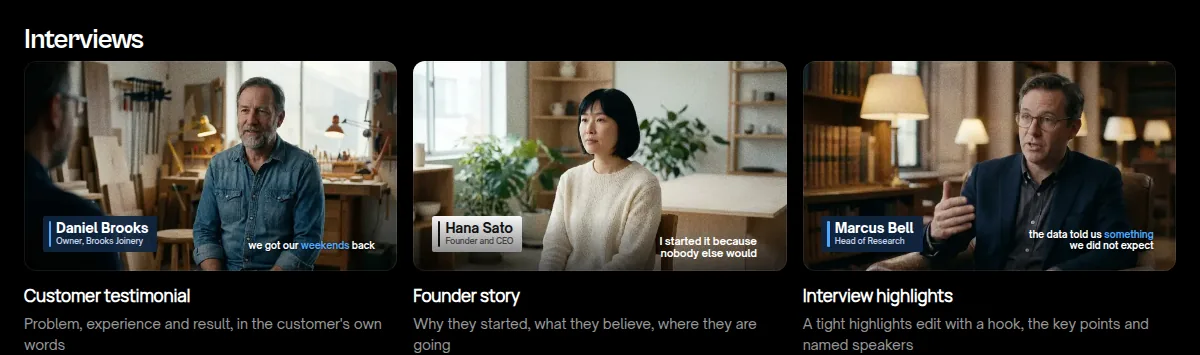
Backgrounders
Attach your script, paper edit, brand guidelines, reference faces or a reference video, and Eddie edits with that in hand.
Editor agents
Build an editor with its own style and skills and publish it, or install one from the marketplace, including five director agents we've published ourselves.
Recipes
Save a workflow you repeat and run it again in one click.
Version history and length control
Tell Eddie how long the cut should be and it respects it. Every version is saved, and you can go back to any of them.
Five surfaces, one project
Works the way you and your team work
Browser, desktop, iPhone, or inside Claude and ChatGPT โ same projects, same Eddie, in all five. You pick the surface that fits the moment, not the other way around.
Have Claude build a cut from this morning's shoot, review it in the browser over lunch, then finish in the desktop app with native playback and uncapped MP4 renders. On the way home, import from your camera roll and nudge the cut along from your iPhone.