


Premiere Pro · Import, export and hand-off
How to relink offline media in Premiere Pro
The short answer
Select the offline clips, right-click and choose Link Media. Click Locate, find the first missing file, and Premiere relinks every other clip it finds in the same folder.

4 steps
In Premiere Pro
01
Find the offline clips
Offline clips show red in the Timeline and Media Offline in the monitor. In the Project panel, sort by the Media Path column to see where Premiere expects them.
02
Open Link Media
Select the clips, right-click and choose Link Media. Premiere also opens this dialog when you open a project with missing files.
03
Locate the first file
Click Locate and browse to the file. Turn on Display Only Exact Name Matches to make it easy to pick the right one, then click OK.
04
Let Premiere find the rest
With Relink others automatically on, Premiere looks for every other missing file in the same folder and relinks them.
Good to know
Before you start
- Note 1
- If a file was renamed, turn off File Name under Match File Properties so Premiere matches on duration and other properties instead.
Eddie AI
Do it in Eddie
Relinking an Eddie edit depends on how the footage came into Eddie.
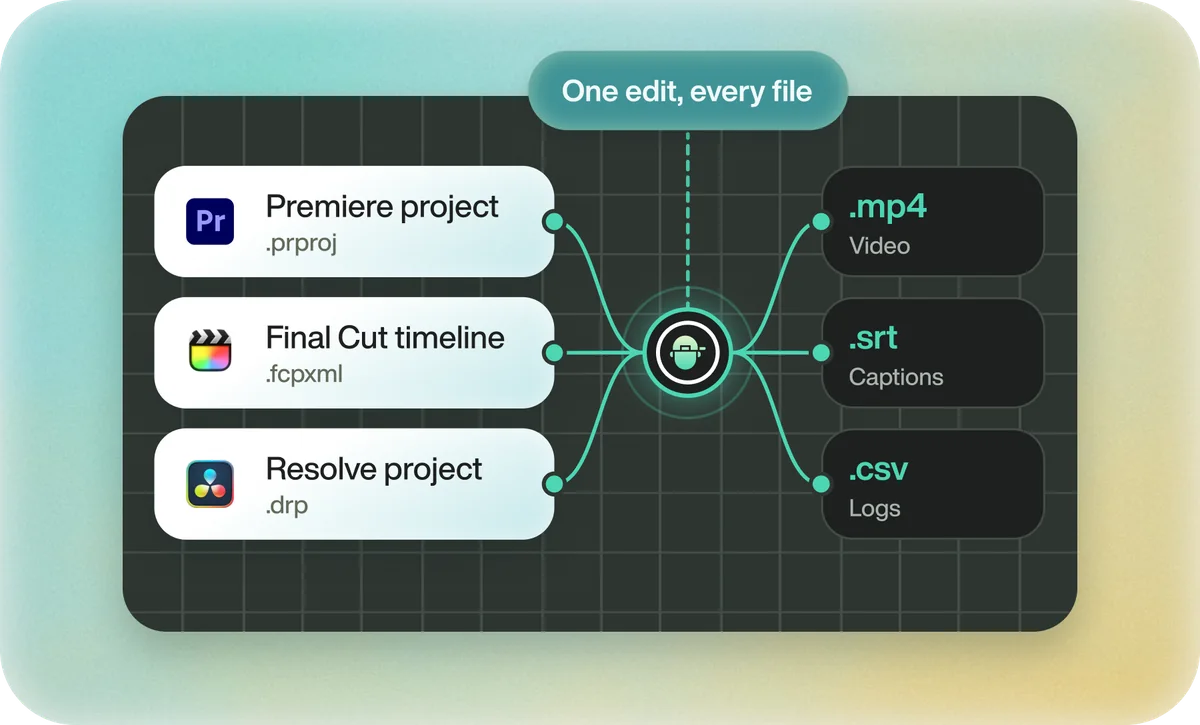
If you imported through the Eddie desktop app, the Premiere export points at your original files where they sit on your machine, so Premiere finds them. If you uploaded on the web or from cloud storage, the export points at Eddie's proxy media. Relink to the proxies; Premiere will often reject the camera originals because proxies are normalized to a standard frame rate and size.
FAQ
Questions
- Why won't Premiere relink to my file?
- The file's properties differ from the clip's, such as a different duration or frame rate. Check Match File Properties in the Link Media dialog.
- Can I relink to a different version of a clip?
- Yes. Right-click the clip, choose Make Offline, then Link Media and pick the new file.