


Premiere Pro · Import, export and hand-off
How to export an EDL from Premiere Pro
The short answer
Select the sequence and choose File > Export > EDL. Pick the video track to include, set the title and options, and save the .edl.

4 steps
In Premiere Pro
01
Flatten to one video track
An EDL holds one video track. Move the shots you need onto V1, or export one EDL per track.
02
Choose File > Export > EDL
Select the sequence and choose File > Export > EDL.
03
Set the options
In EDL Export Settings, give it a title, choose the track to export under Tracks to Export, and choose whether to include clip names and file names as comments.
04
Save and check
Click OK and save the file. Open it in a text editor to check that reel names and timecodes look right before sending it.
Good to know
Before you start
- Note 1
- Reel names come from the clip metadata. Clips without reel names are hard to relink from an EDL.
Eddie AI
Do it in Eddie
Eddie doesn't export EDLs. Its Premiere exports keep all tracks.
An edit built in Eddie arrives in Premiere as a project with its b-roll on upper tracks and audio on separate tracks. Export an EDL from that sequence in Premiere if a facility needs one.
Back to Premiere
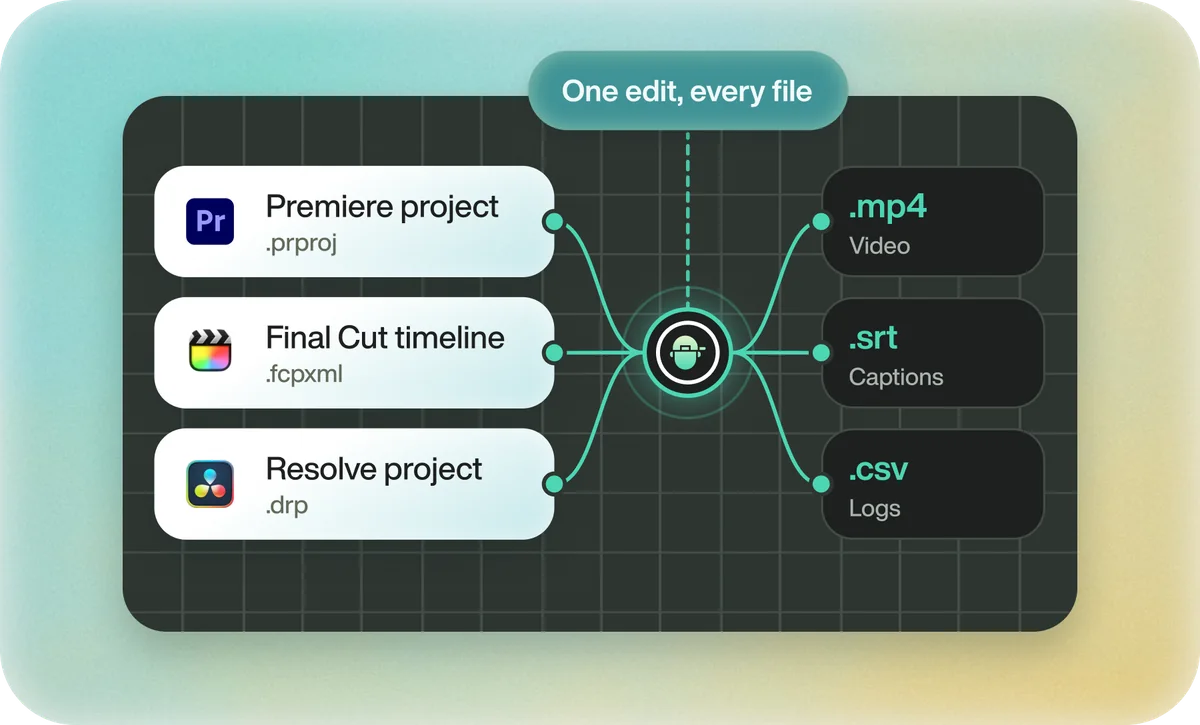
Open the edit, click Export and choose Premiere. You get a Premiere project (.prproj) or the older Premiere XML. In the desktop app, Send to Premiere Pro builds the edit inside Premiere through Eddie's panel, which the app installs for you.
If you imported the footage through the desktop app, the timeline points at your original camera files, so Premiere relinks to them. If you uploaded on the web or pulled from cloud storage, it points at Eddie's proxy media; relink to those, not to the camera originals.
FAQ
Questions
- Why does my EDL only have one track?
- The CMX3600 format supports one video track. Export one EDL per track or use XML.
- Does an EDL include audio levels?
- No. It records edits and timecode only.