

Premiere Pro · Import, export and hand-off
How to export an AAF from Premiere Pro for Pro Tools
The short answer
Select the sequence and choose File > Export > AAF. Turn on Breakout to Mono, embed the audio, set handles of a few seconds, and send the AAF with a reference video to the mixer.
4 steps
In Premiere Pro
01
Prepare the sequence
Duplicate the sequence and delete what the mixer doesn't need, such as temp music you plan to replace. Keep audio on clearly named tracks.
02
Choose File > Export > AAF
Select the sequence and choose File > Export > AAF. Name the file and save it.
03
Pick the AAF settings
In AAF Export Settings, turn on Breakout to Mono, choose Embed audio, set the sample rate and bit depth to match the project, and add handles (frames of extra audio past each cut) so the mixer can extend edits.
04
Export a reference video
Export a picture reference with burned-in timecode (File > Export > Media). The mixer syncs to it in Pro Tools.
Good to know
Before you start
- Note 1
- Clip volume keyframes travel in the AAF. Audio effects and track-level processing usually do not.
Eddie AI
Do it in Eddie
Eddie can export AAF too, for Avid, and its Premiere exports keep the audio on separate tracks.
If the edit comes from Eddie, voice-over, dubs and music arrive on their own audio tracks in the Premiere project, and clip levels arrive as each clip's Volume Level. Prepare the mix from there, then export the AAF from Premiere as usual.
Back to Premiere
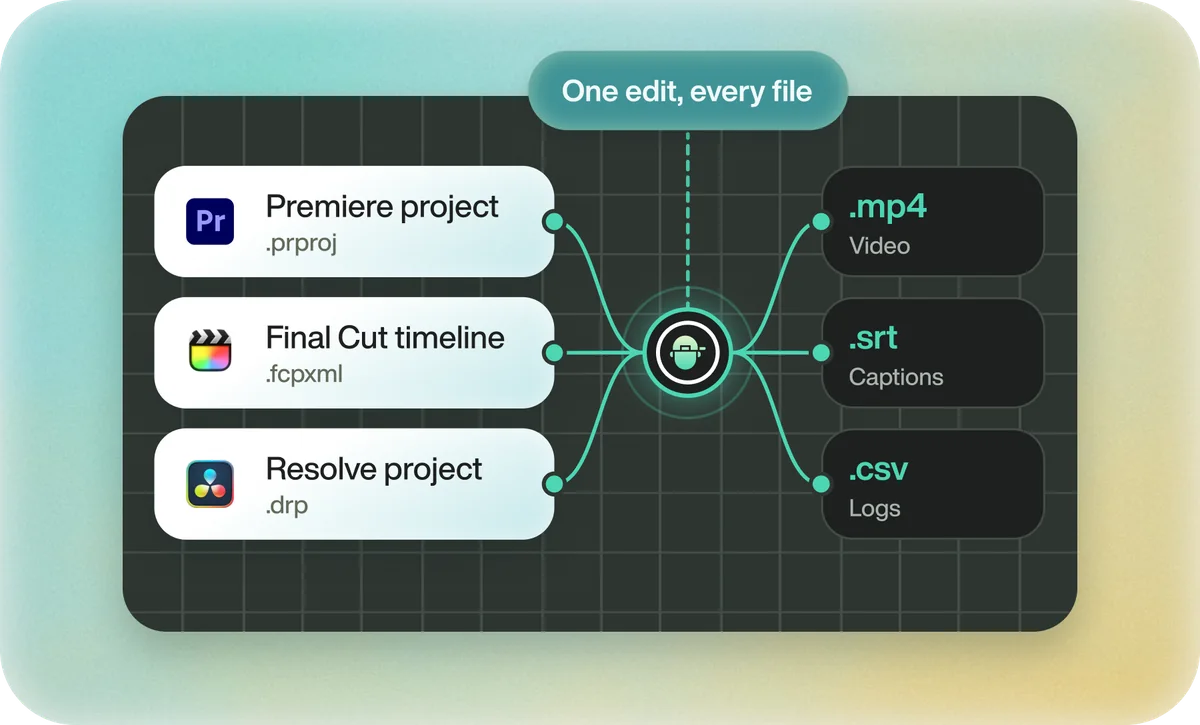
Open the edit, click Export and choose Premiere. You get a Premiere project (.prproj) or the older Premiere XML. In the desktop app, Send to Premiere Pro builds the edit inside Premiere through Eddie's panel, which the app installs for you.
If you imported the footage through the desktop app, the timeline points at your original camera files, so Premiere relinks to them. If you uploaded on the web or pulled from cloud storage, it points at Eddie's proxy media; relink to those, not to the camera originals.
FAQ
Questions
- Should I embed or link audio in the AAF?
- Embed, unless the mixer asks otherwise. It keeps the audio inside one file so nothing goes missing.
- How long should handles be?
- Many mixers ask for 2 to 5 seconds. Ask yours before exporting.