Skip to content
See Eddie at Adobe MAX · Miami Beach · Nov 10–12 · Booth 418
Eddie AI
  • Features
  • Use Cases
  • Workflows
  • Resources
  • Contact Sales
  • Pricing
Try for Free
LearnPremiere Pro
Explore library
Premiere ProVIDEO TUTORIAL

How To Make Your VOICE Sound CINEMATIC (Premiere Pro)

PB
Tutorial byPremiere Basics

Explore ways to give spoken audio a more cinematic sound in Premiere Pro.

audiovoicesound design

STAY CURIOUS

Keep learning.

How to Mix Sound for Video in Adobe Premiere Pro

Premiere Gal

New in Premiere Pro! Change Music To Any Duration with REMIX

Premiere Gal

Improve Your Sound with these 5 Audio Tips!

Premiere Gal

How to Fix Shaky Video in Premiere Pro with Warp Stabilizer Effect (Tutorial)

Justin Odisho

How to Color Correct in Adobe Premiere Pro CC (Basic Correction + Lumetri Scopes Tutorial)

Justin Odisho

5 Editing Tricks To Prepare for 2026! (Premiere Pro Tutorial)

Premiere Basics

How to Search for Media in Adobe Premiere | Find Clips Fast with the Search Panel

Adobe Care

5 INSANE TRANSITIONS! (Premiere Pro Tutorial)

Cinecom.net

More Premiere Pro tutorials

PUT IT INTO PRACTICE

Go a little deeper.

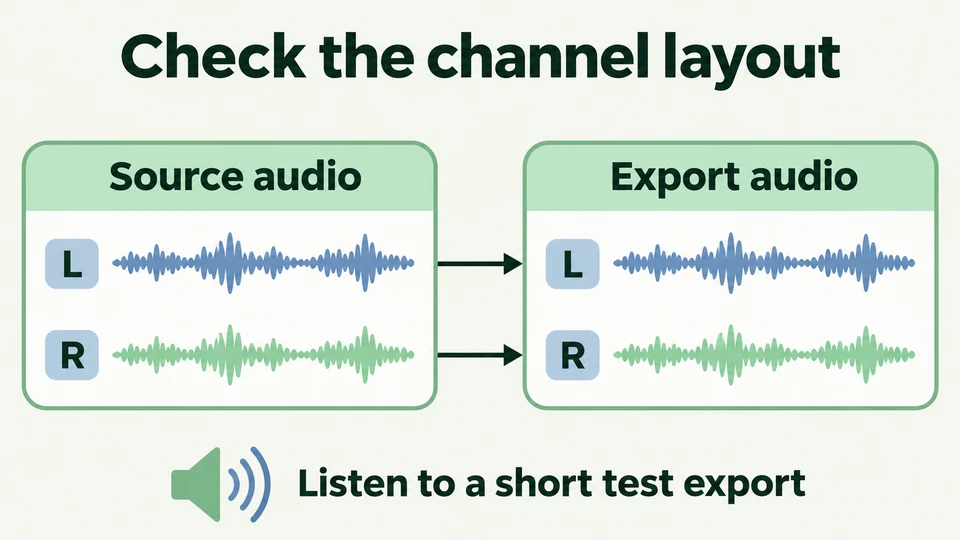
Check the channel layout with a short test export. Conceptual workflow illustration, not a software screenshot.Written guide

How do I preserve audio channels when exporting?

Read guide

The Assistant Video Editor for Pros

Features

  • All Features
  • AgentsNEW
  • Rough Cuts
  • Multicam
  • Speaker IdentificationNEW
  • A Roll Logging
  • B Roll Logging
  • Scripted Edits
  • Social Clips
  • Generated MusicNEW
  • Generated VoiceoverNEW
  • Generated DubbingNEW
  • Stock B-RollNEW
  • Generate videoNEW
  • Captions & TitlesNEW

Links

  • Trust Center
  • Features
  • Export Formats
  • Styles
  • Recipes
  • Motion graphics
  • FAQ
  • Blog
  • Our Story
  • Privacy Policy
  • Terms & Conditions
  • DPA

Follow Us

  • LinkedIn
  • YouTube
  • X / Twitter
  • Instagram
  • TikTok

Use Eddie

  • Web App
  • For Mac
  • For Mac with Intel
  • For Windows
  • iPhone
  • Claude & ChatGPTNEW
  • API
  • CLI