
Related tutorial.
Full tutorialSupplemental tutorial · Release compatibility unconfirmed. Follow the written steps for Premiere Pro 26.5.2.
THE SHORT ANSWER
Here's the approach.
Premiere 26.5.2 can match source audio channels and sample rate during export. A destination format can still impose limits or require a downmix.
Step by step.
Premiere Pro 26.5.2- 01
Match the source
Open export settings and use Match Source for the source settings.
- 02
Check the audio layout
Review the audio channels and sample rate against the requested delivery specification. Read any format warning.
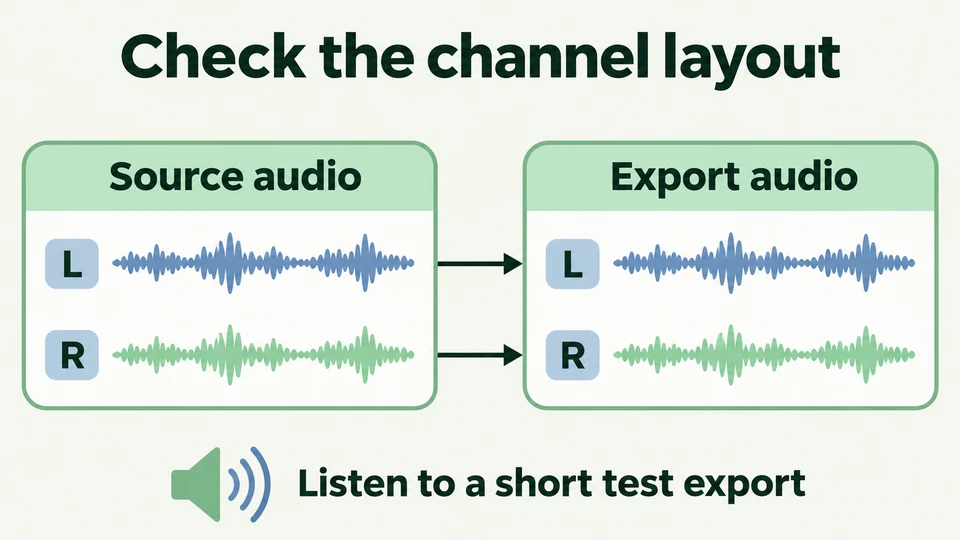
Check the channel layout with a short test export.Workflow illustration · Premiere Pro 26.5.2 - 03
Verify a short export
Export a test and listen to every intended channel before delivering the full programme.
Sources & version notes
Written for Adobe Premiere Pro 26.5.2. Menu names and available features can differ in other versions.
Version reference: Premiere Pro 26.5.2