
See the workflow.
Full tutorialTHE SHORT ANSWER
Here's the approach.
Media Composer 2026.8 preserves the original PhraseFind AI transcript separately from edits, so you can recover the original text.
Step by step.
Media Composer 2026.8- 01
Open the transcript
Open the clip in the Transcript Tool and identify the text you want to recover.
- 02
Choose the recovery scope
For one segment, right-click it and choose Revert. For everything, use the Transcript Fast menu > Revert Transcript.
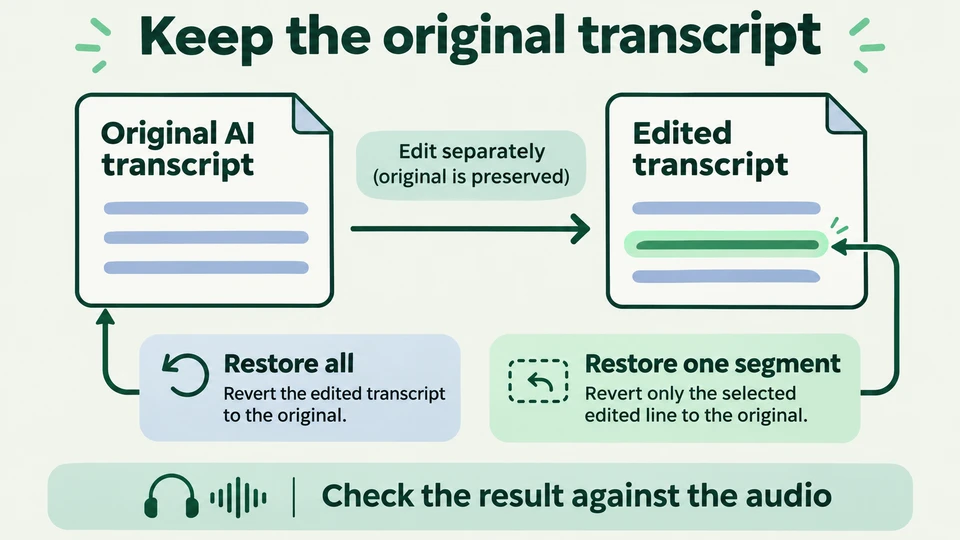
Restore the full transcript or a selected segment.Workflow illustration · Media Composer 2026.8 - 03
Check the result
Review the recovered text against the audio before making further corrections.
Sources & version notes
Written for Avid Media Composer 2026.8. Menu names and available features can differ in other versions.
Version reference: Media Composer 2026.8