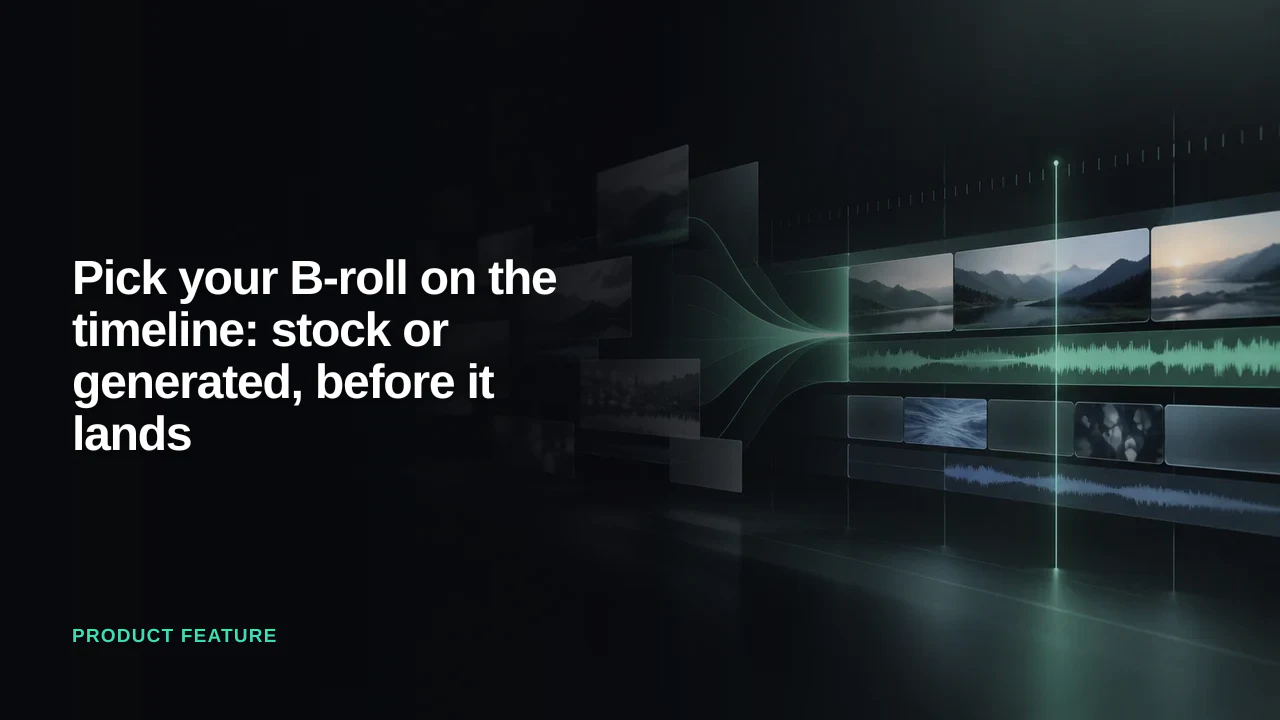
B-roll has always been the part of the edit you did on trust. You asked for a cutaway, something went and found one, and the first time you saw it was when it was already sitting over your interview. If it was wrong, you asked again and hoped.
That is no longer how it works in Eddie. The cutaway is now something you choose, on the timeline, from clips you can watch, before a single frame is imported. And if the shot you need does not exist in your footage or in any stock library, Eddie can make it.
The ✨ on a clip
Open an edit, switch to the timeline, and hover any clip. A small ✨ appears in its corner. Click it and you get a compact prompt box scoped to just that clip, with a row of one-tap chips underneath. Two of those chips are the whole feature: Cover with b-roll and Generate AI b-roll.
Either one opens a picker titled B-roll for this beat, and under the title is the line your speaker actually says on that clip. That sounds like a small detail. It is the detail: you are not describing a shot into a chat and hoping the description survives, you are looking at the sentence the shot has to cover, and Eddie has already read it and gone looking.
Select a run of clips first, Shift-click or Cmd-click, and the same ✨ covers the whole stretch.
Pick b-roll from the timeline →
Stock first, and free
The moment the picker opens, Eddie searches stock footage for that beat. Free clips from Pexels, plus your own Shutterstock catalogue if you have connected a key. The candidates come back as tiles that play when you hover them, filtered to your project's orientation and to clips long enough to cut with.
Nothing costs anything at this point. Searching is free, importing is free, and the strip says so: free to add. If you want something other than what the line suggests, type it in the shot box and search again. If no stock matches the moment, Eddie says that, rather than padding your cut with a hallway.
Pick the tiles you want and press Add. They transfer in the background and land on the B-roll track over the beat you pointed at, with your speaker's audio running underneath. Chosen clips go onto the timeline, not into a bin you then have to go and find them in.
When nothing has the shot, generate it
Some lines have no footage. Nobody filmed the thing your speaker is describing, and stock does not have it either, because it is specific to this story. That used to mean holding on the talking head and moving on.
Now the same picker can render it. Choose a quality tier, Best, Standard or Budget, and press one button: Generate 3 previews, with the price printed on it. Eddie writes the shot from what the clip says, one filmable image rather than a keyword, and renders three takes so you are choosing between options rather than rolling once. Takes stream into the picker as each finishes. Close it and keep editing; a small pill at the bottom of the editor tracks progress and brings you back when they are ready.
Worth being direct about the money, because this is the first thing in Eddie where one click is real dollars at a vendor:
- The price is on the button before you press it. Nothing is charged until you do.
- All three takes are paid for, whether you keep one, two or none. Adding a take you like costs nothing more.
- Regenerating is a new, full-price round. There are no free retries.
- Refunds happen when a take fails to render, including when the model refuses the prompt. Not when you dislike the result. A clip that renders is a clip you bought.
Generated clips are short, silent, and match your project's orientation. Eddie adds no visible watermark, but a generated clip, and a cloud MP4 export that contains one, carry the standard IPTC "AI-generated" metadata (the digital source type, in the file's XMP). Desktop MP4 exports and NLE project files do not. C2PA content credentials are available through enterprise agreements; contact sales to get them. Disclosing synthetic footage on the platforms you publish to is your responsibility, not something a tool can do for you. Stock is still the first thing Eddie reaches for; generation is for the shot nothing else has.
Eight shots, not one
One cutaway covers a line. A sequence covers a stretch, and picking eight clips one at a time is how you end up with eight clips that each matched the brief and collectively look like eight different shoots.
Select several clips and ask to cover them, and Eddie lays the stretch out as a shot list: a board of slots, each anchored to the moment in your cut it covers, each with a shot size and a job to do. You fill them from stock. Where a slot has nothing suitable, Eddie offers to generate that one shot, priced on its own. And once the strip is picked, it is judged as a set: a shot that reads as a different shoot gets flagged, and you swap it or keep it.
What it does not do
The picker needs edit access; viewers of a shared link see the timeline but not the ✨. Sequences are switched on per workspace, so a multi-clip selection may open the single picker for now. And generation appears in the picker only when it is available to you; the stock strip is there either way.
The chat has not gone anywhere. "Cover the jump cut at 0:45 with b-roll" still works, and both paths edit the same cut. The ✨ is for when you know exactly which moment you mean and would rather point than describe it.
As always, just tell Eddie what you want and it will do it.
— The Eddie AI team