B-roll & coverage
Add B-roll to your video
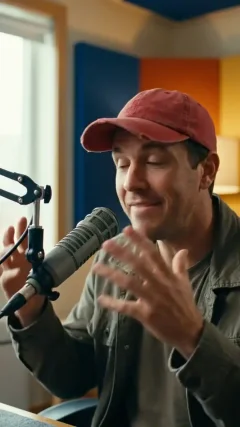
Import your interview into Eddie. Search stock footage using themes from the actual transcript, review the matching shots, and place cutaways over your original dialogue. Preview the edit and export when the coverage feels right.
- Bring
- An interview or speech-led video
- Make
- An editable video with relevant stock cutaways
Start with your files
Your recording, ready for the next step.
Choose video or audio from your device. Continue in Eddie to sign in and start the import.
Sign in in the Eddie tab. Review any required credits before paid processing. Your files and choices transfer directly between these browser tabs.
From your files to your result
Let the pictures follow your words.
01
Upload your interview
Choose the recording you want to cover and continue in Eddie. Sign in to import your video with the selection preserved.
02
Find and preview matching shots
Eddie reads the actual transcript and searches available stock footage for relevant themes. Review the matches, then import and place cutaways over the dialogue.
03
Refine the coverage and export
Preview each cutaway in context, adjust its timing or replace the shot, and export the edit when the story reads clearly.
Made for your media
Coverage starts with what you actually say.
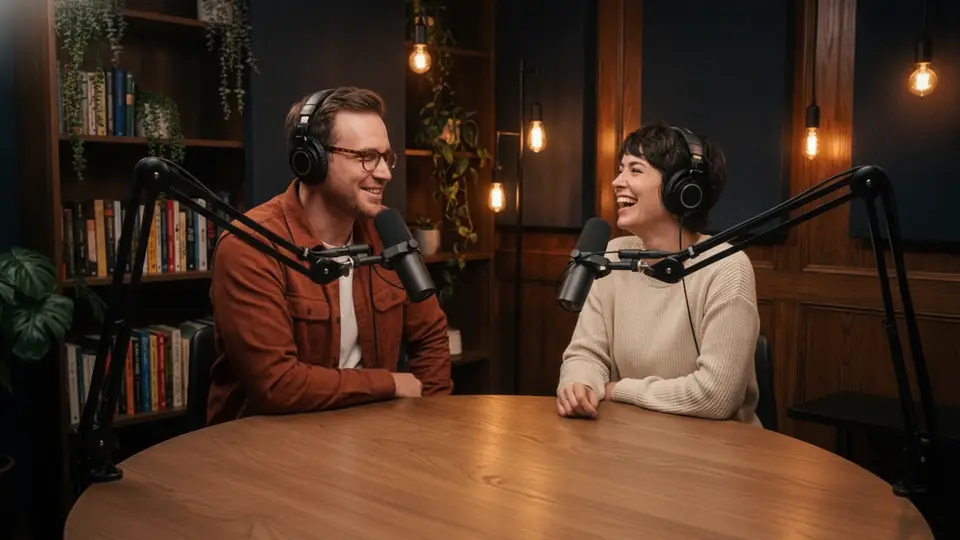
The transcript supplies themes and timing. Eddie looks for footage that illustrates the conversation while keeping the original spoken track in place.
Workflow illustration · your preview uses your recording
- 01The actual words
- Names, places and concrete actions guide stock queries. Review any literal match that misses the meaning.
- 02The right moment
- Cutaways sit over the corresponding dialogue, with the speaker returning between shots.
- 03Your available stock sources
- Search available Pexels footage and a connected Shutterstock catalogue. Provider access and licensing still apply.
Out of Eddie. Into your workflow.
From interview to a covered edit.
Review the cutaways
Playable edit
Watch each shot against the original dialogue.
Change a shot
Editable timeline
Replace stock and refine its in and out points.
Download your video
MP4 export
Review the current export quote and download the completed render.
Before you start
How do I add relevant B-roll to an interview?
Import your interview into Eddie. Search stock footage using themes from the actual transcript, review the matching shots, and place cutaways over your original dialogue. Preview the edit and export when the coverage feels right.
Do I need an Eddie account?
You can choose files and settings on this page. Eddie keeps that selection when you continue, then asks you to sign in to import and process the media.
What does it cost?
Processing and exports follow Eddie’s current credit and pricing rules. Eddie shows any required price or credit confirmation before a paid action. Selecting a file here does not purchase anything.
Can I review the result before exporting?
Yes. Review an editable video with relevant stock cutaways in Eddie, adjust the result and choose an available download or export.