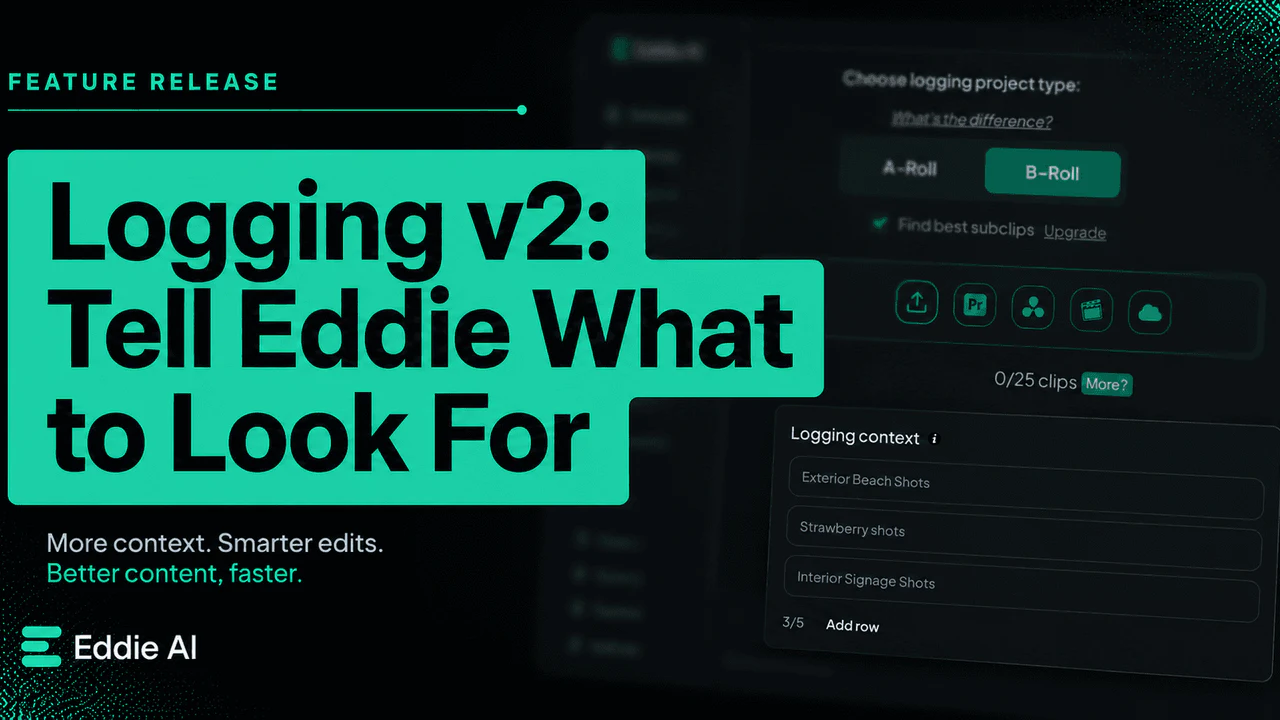
In Summary Eddie's Logging v2 adds topic steering, so you can direct what it listens for, and backgrounder documents, so it understands the context of your footage, making the first logging pass sharper and more in your control.
Eddie has been logging A-roll and B-roll on its own for a while — transcribing dialogue, tagging visuals, grouping clips by topic, generating stringouts you can drop into your NLE. It works when the footage speaks for itself.
But editors don't usually walk into a project blind. You know the angle. You know who the subject is. You know which scenes carry the film and which ones are filler. Until now, that context lived in your head — or in a Slack thread with the director — and Eddie had to figure it out from raw material.
Logging v2 changes that. You can now tell Eddie what to focus on, clip by clip, before it starts.
What's new
Topic steering — up to five per clip. When you bring footage into Eddie, you can specify what to look for on a per-clip basis: topics or themes, key characters or speakers, product names, recurring locations, specific objects, actions, or visual moments. The bins, stringouts, and searchable transcripts come back organized around what you told Eddie matters, not what it guessed.
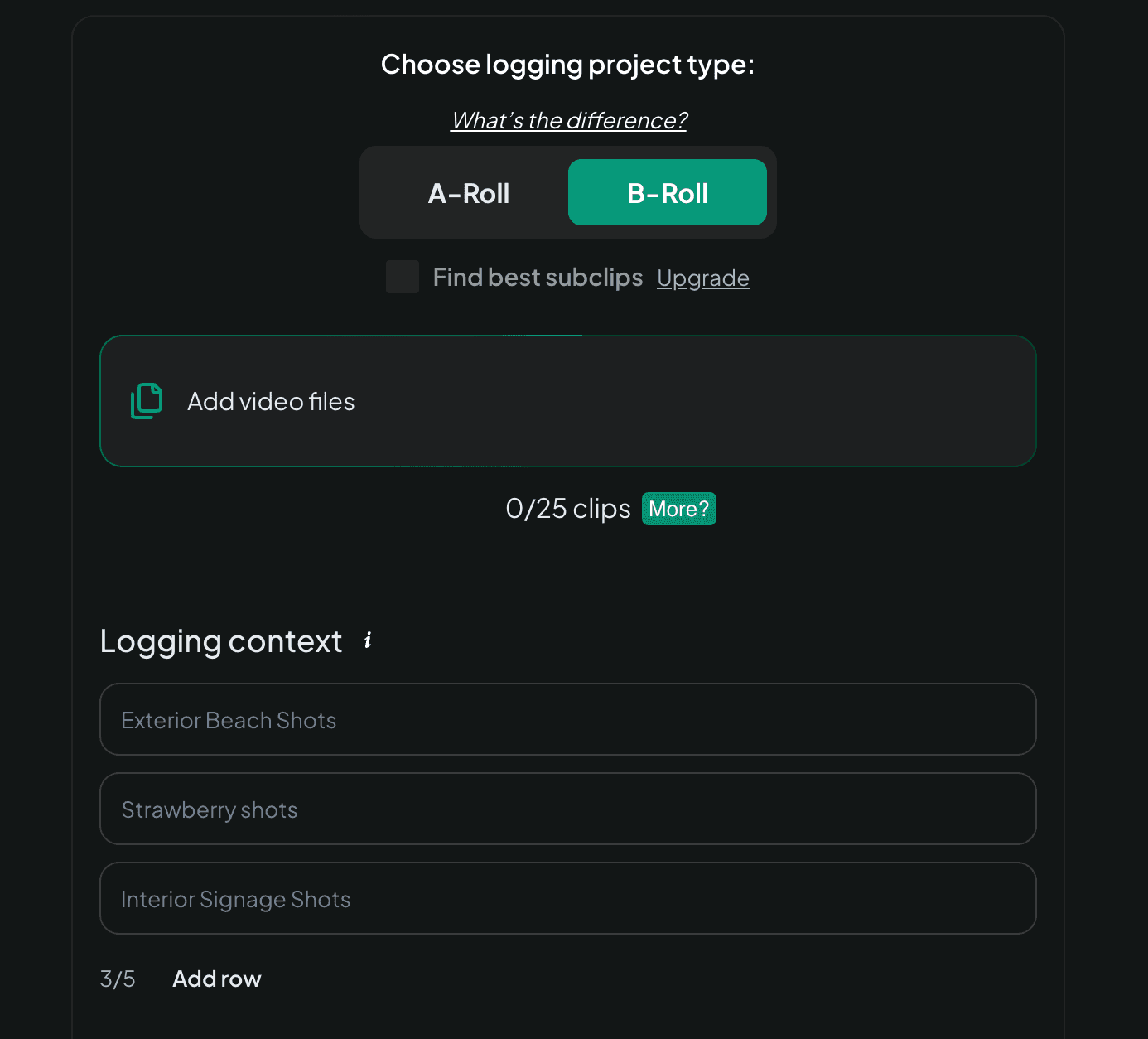
Backgrounder documents. Attach a Google Doc, PDF, or Word file at import — a brief, a treatment, a director's note, an interview outline — and Eddie reads it before logging. Story intent goes in at the front of the workflow instead of arriving later as corrective prompts in chat.
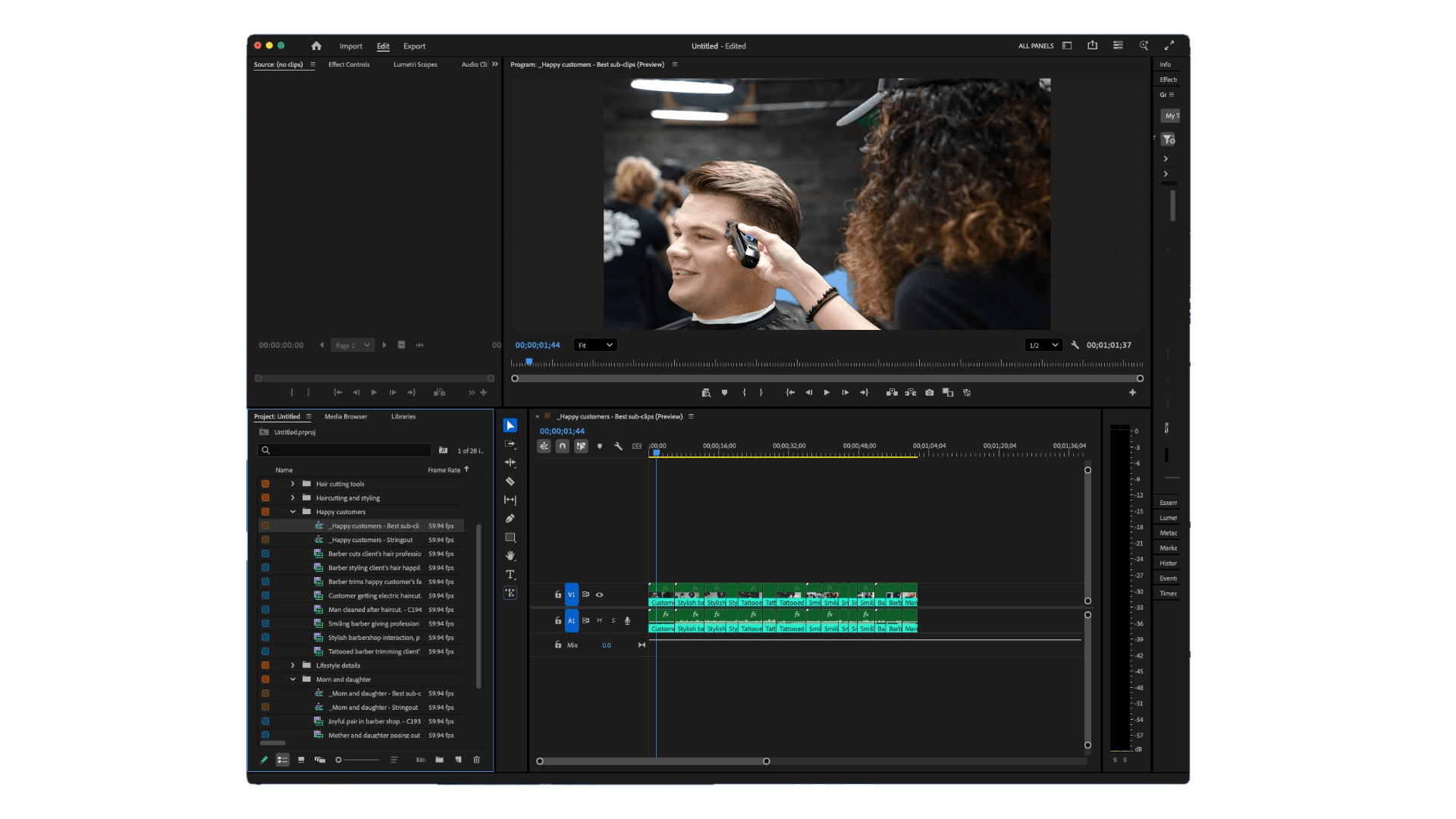
Stills support for B-roll. Photographs get logged alongside video clips. Useful for documentary, archival, and brand projects where stills carry real story weight.
20 hours of source material on Pro+. Docs/Stringouts mode now handles up to 20 hours per project. That covers documentary scale, multi-day interview shoots, conference coverage, and the kinds of long-form projects where logging is the bottleneck.
Why this matters
AI assemblies are only as good as the brief. If Eddie has to infer the story from raw footage, you'll spend the back half of your session prompting it toward what you actually wanted. Topic steering and backgrounders close that loop earlier — less corrective prompting, cleaner first-pass logs, stringouts that already lean toward your edit.
It's the same principle as briefing an assistant editor: the more they know going in, the less you have to redo later.
How to use it
-
Open Eddie and start a new project in Log A-Roll / B-Roll mode.
-
Upload your footage.
-
For each clip (or batch), add your topics — up to five. Keep them specific to your story (e.g. "post-fire recovery," "Sarah's testimony," "drone exteriors of the warehouse").
-
Optionally, attach a backgrounder doc — your treatment, brief, or shot list.
-
Let Eddie log. The bins, transcripts, and stringouts that come back will be shaped by what you told it to care about.
Export to Adobe Premiere Pro, DaVinci Resolve, or Final Cut Pro as usual. Multicam and Dirty Multicam handling are unchanged.
Private beta: B-roll-driven edits
If you cut event sizzles, wedding videos, brand pieces, or anything else where the visuals drive the story — we have a private beta open. You'll get early access to a B-roll-first edit experience built on top of Logging v2. Reach out and tell us about a project you'd test it on.
What's next
We're extending the topic-steering and backgrounder context capability to the dedicated A/B-roll logging mode in a future release, so editors who stay in pure logging workflows get the same upfront control.
Try it now
Logging v2 is live. Topic steering, backgrounders, and stills support work on every tier. The 20-hour Docs/Stringouts cap requires Pro+.
Download Eddie or open the app and start a new project.
Coverage: CineD · RedShark News